
Click to enlarge
This is a very simple effect that can be done easy with only a few steps. This tutorial will show you how to create a waterpaint effect using a couple brushes i found online as well as the gradient tool.
Slap a few brushes onto separate layers no need to be neat, I used a few brush strokes and some splatters .
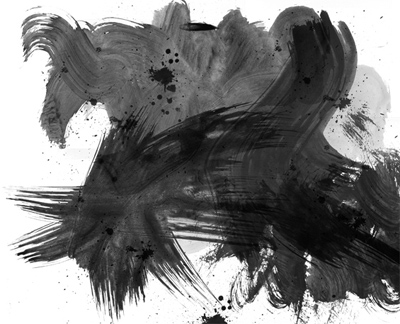
Then select the Gradient tool and add a few varying sizes and colors to a new layer.

Click to enlarge
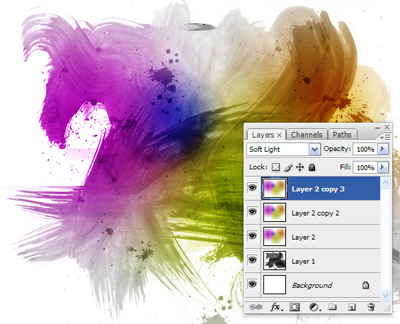
Now set the mode of the Gradient layer to Soft Light and then Duplicate the layer twice with a total of three Gradient layers.
Click to enlarge
...and that's it, Here are a few Close-Ups of the painting.
Normal

Inverted