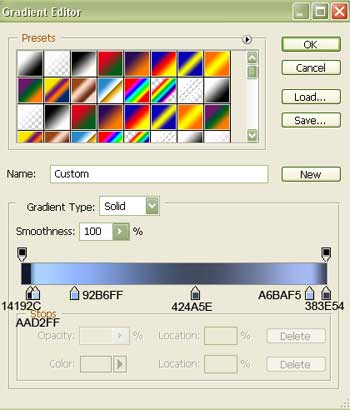
Open a new file with 450x 358 px and 300 dpi. Apply the next tool for representing it  .
.

Fill 0% on the layers.
Blending Options-Gradient Overlay
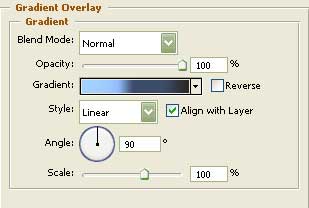
Gradient's parameters:
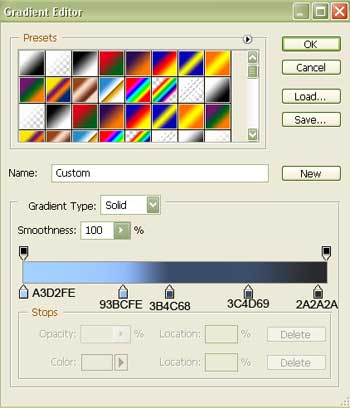
Select the next instrument  and draw an ellipse of black color.
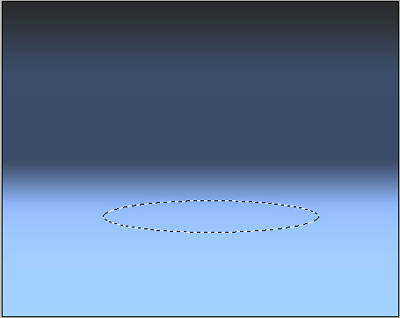
Apply this filter.
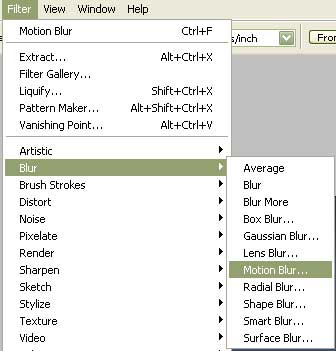
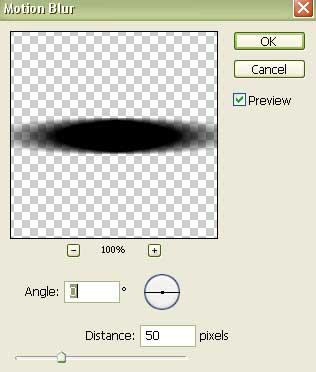
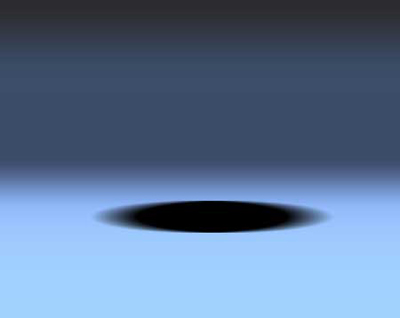
Select the following tool  to create a circle. Then take another instrument
  to correct a little its sizes the way it is indicated in the next picture.
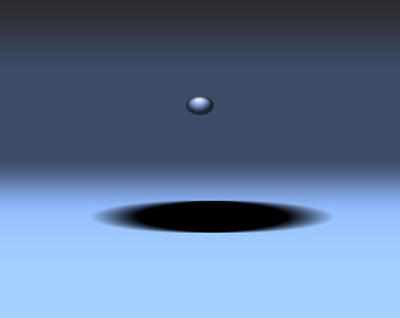
Fill 0% on the layers.
Blending Options-Inner Shadow
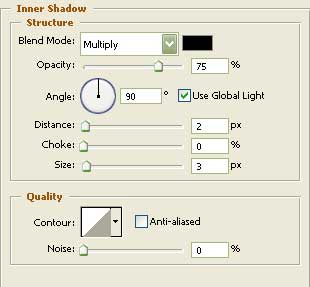
Blending Options-Gradient Overlay
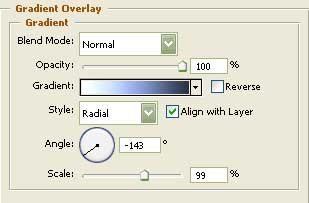
Gradient's parameters:
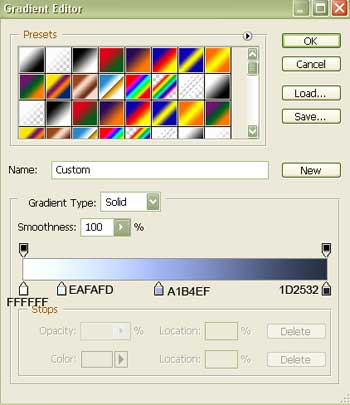
Using the shown instrument  , represent the TV's support.
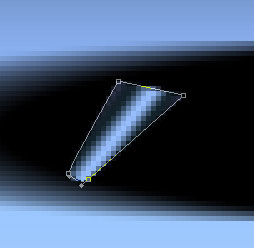
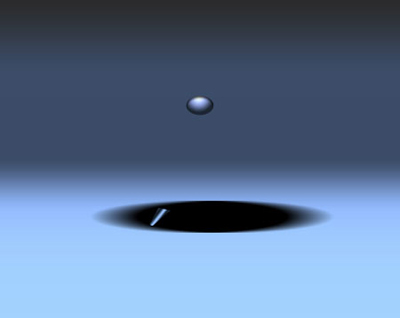
Fill 0% on the layers.
Blending Options-Gradient Overlay
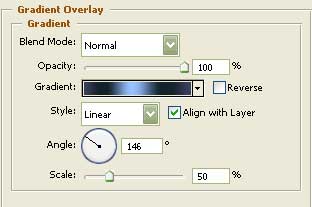
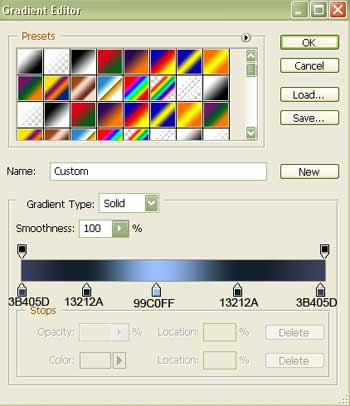
Gradient's parameters:
Copy the recently made layer and make use of the Free Transform selection to turn it around by applying also the next parameters.
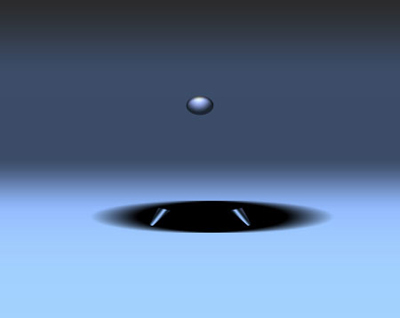
Fill 0% on the layers.
Blending Options-Gradient Overlay
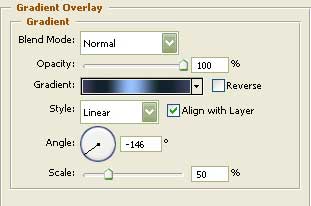
Take another instrument  then and draw the TV's corps.
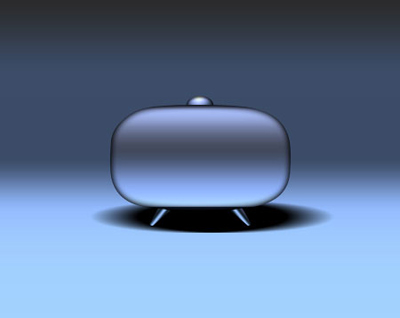
Fill 0% on the layers.
Blending Options-Inner Glow
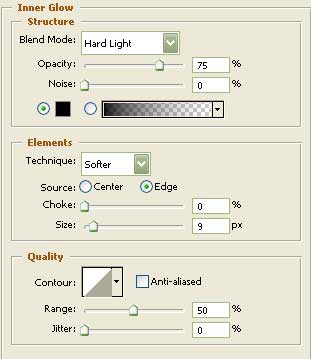
Blending Options-Gradient Overlay
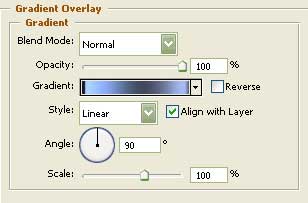
Gradient's parameters: