


First start by creating a new document (1000 x 1000). After that select the circular marquee tool. Choose fixed size for the style and apply the width and height in the tools options bar see figure below for more details.

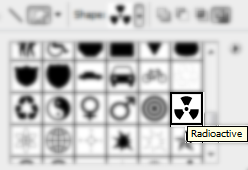
Click anywhere in the document to create the selection. Position the selection where you want it to be. Fill the selection with black. Grab the Custom Shape Tool and select the radioactive shape, size: size of black circle, see figure below for more details.
Then if you want you can create a shine on your radioactive sign, see final image for example.
Finished!
This is what you should have.

Have Fun!
Don't Forget I Have Included the PSD File Radioactive.
