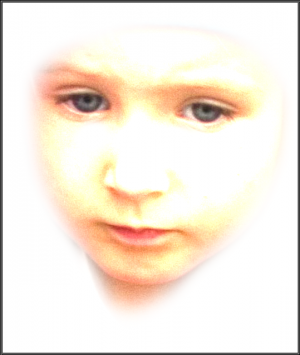
Here's a very simple photoshop effect achieved by the use of a layer linear dodge blending mode. In this tutorial we dramatically singled out a face leaving out its siluette on a white background.
1. Open a photo and copy the background layer to preserve the original. I, then, just make the original layer invisible.
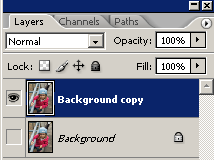

2. Copy the layer and set blending mode to linear dodge.
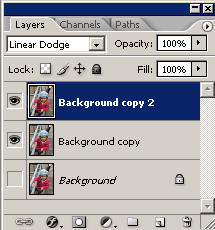
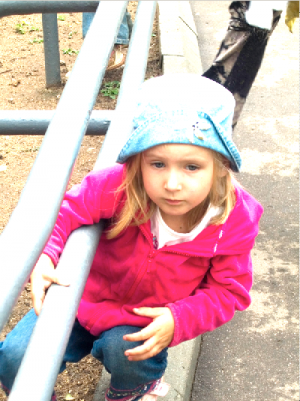
3. Repeat the procedure.
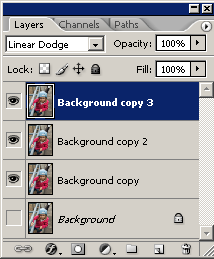
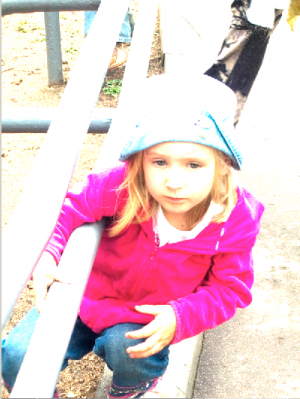
4. Merge visible layers (Shift+Ctrl+E)
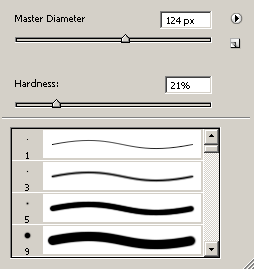
5. Take a large and soft Eraser and erase everything around the face.
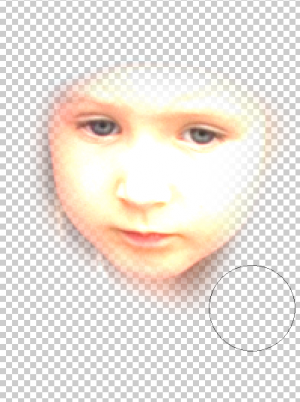
6. Add the desired background. The job is complete now.