


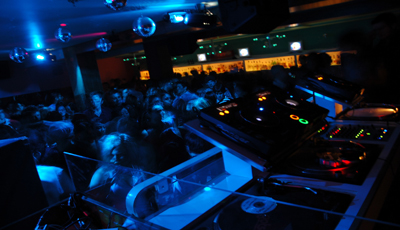
Before
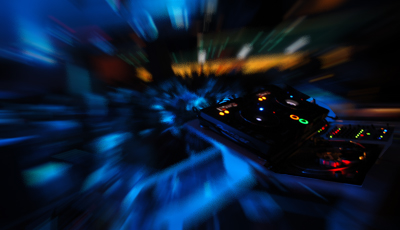
After
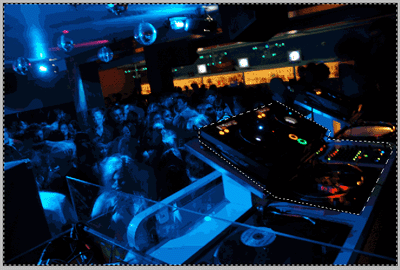
1. Open the photo in Adobe Photoshop, click here (right click -> save target as) to download!
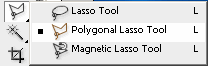
2. Select Polygonal Lasso Tool and select the DJ place
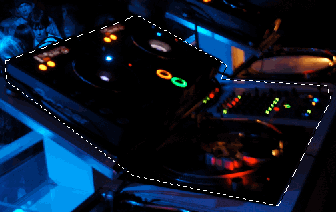
3. Now press Ctrl + Shift + I to inverse the selection
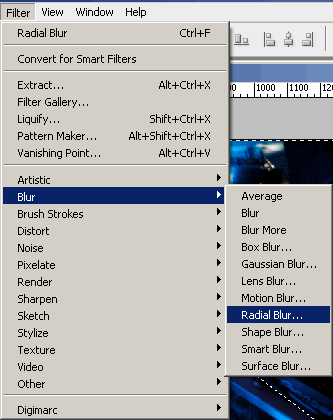
4. Now go to Filter -> Blur and select Radial Blur
5. Here in Radial Blur window you play with the settings!
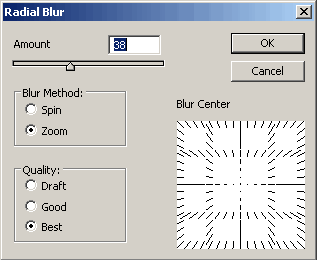
6. Click ok and you finish!
Thank you and if you find another picture with more colors the results will be more beautiful!
