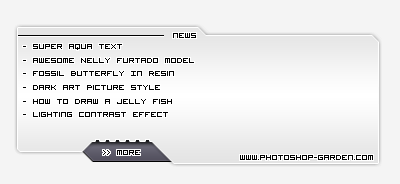
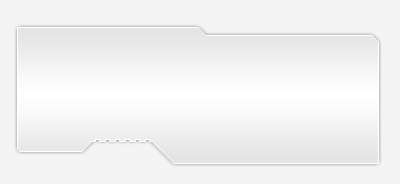
Create a new document, use pen tool to draw a shape like this:

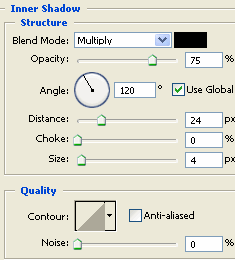
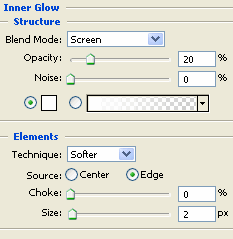
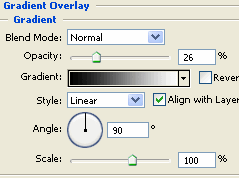
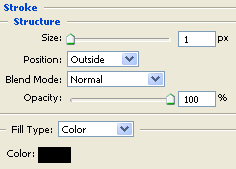
Go to Blending Options to do as the pictures below:
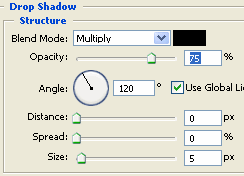
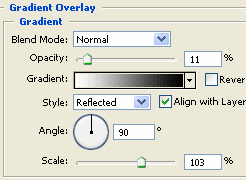
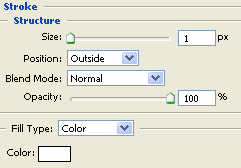
You will get the result:
Create a new layer under the layer 1 and create a new shape, fill it with #6E6B7E color
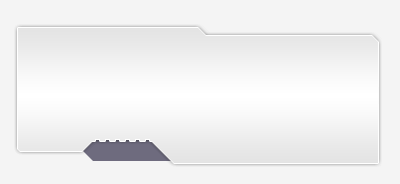
Go to Blending Options
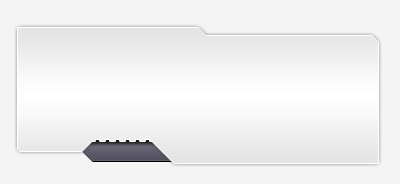
You will get the result:
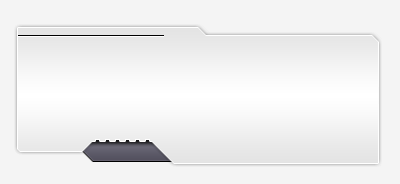
Create a new layer and draw a line on the top of box like this:
Final step, we will add some text to the content box