Step 1: Creating the Workspace:
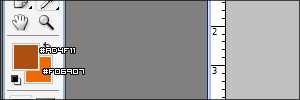
Start with a 500 x 500 pixel document and make sure your color pallete is like this:
Step 2: Create the Background
When you have set these colors as your foreground and background color get the fill tool and fill your documents background in with #AD4F11. Your background should be something like this:

Step 3: Apply the noise filter
Now on the background layer go to Filter > Noise > Add noise and fill in these settings:
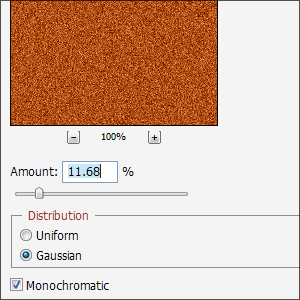
The full size example of what I got is currently shown below:
The Final Result:
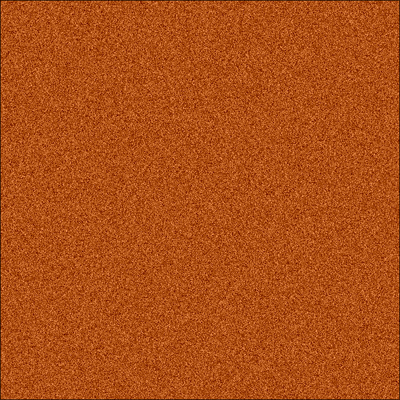
Thats the basic method of creating a wooden effect! You may play around with filters or whatever to get a different result!
