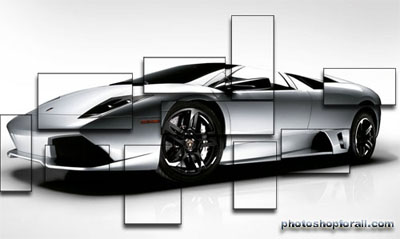
You can start this tutorial by using the photo I used or any ordinary picture.Be careful that the photo you use has a grey background like my photo otherwise the effect will not be the same. lambo.jpg
Open the photo using Photoshop.The select the Rectangular Marquee tool.
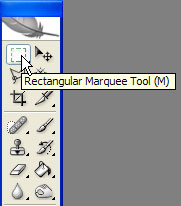
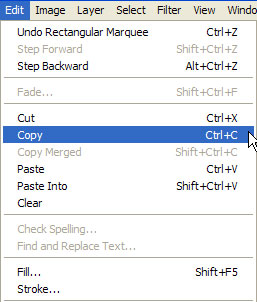
Select a portion of your picture.Then go to Edit>Copy.
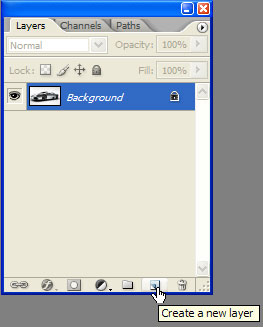
Create a new layer like in the picture below.
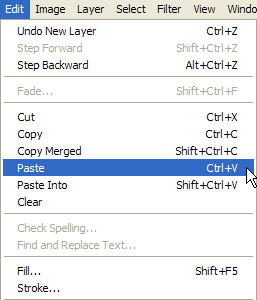
Then go to Edit>Paste to paste the portion you selected earlier.
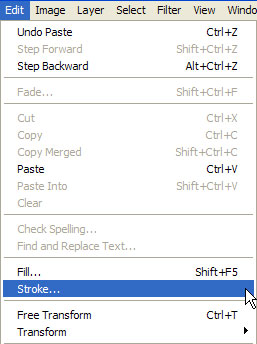
Then go to Edit>Stroke.
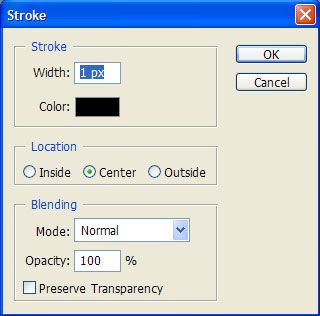
And make these settings.
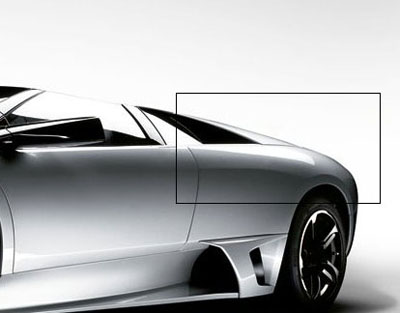
By now you should have something like this.
Now right click the layer like in the picture and select Blending options.
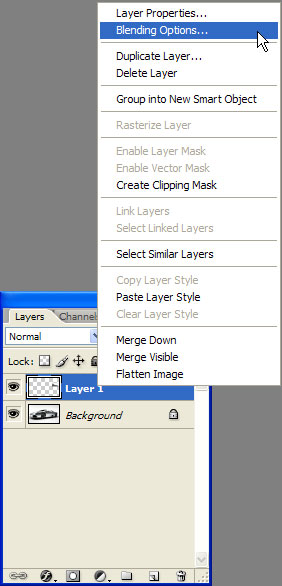
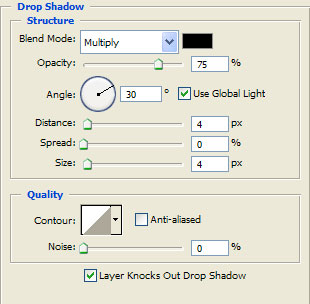
There set these values.
Repeat the steps and select other portions of your photo.This is my final result.