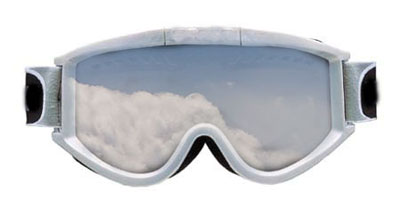
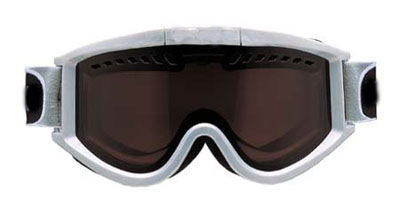
Start by opening the picture using Photoshop.You can use the same picture I used for obtaining the effect or any picture you want. You will also need a picture with some mountains or what picture you want to reflect in the glasses.Also open it using photoshop so that you will have 2 photos opened.
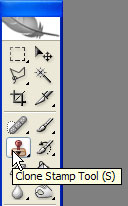
Now select the Clone Stamp Tool like in the picture below.
Select the other picture you opened the one with what you want to be reflected in the glasses press ALT and select the zone you want to clone. A target will appear. Select it with the mouse button.
Now make these settings to the brush in order to paint the glasses.

This should be your result!