Open a new file having 830x580 px and 72 dpi.
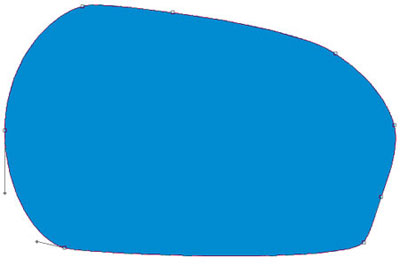
Take the indicated tool  now to insert a figure colored in 008BD0.
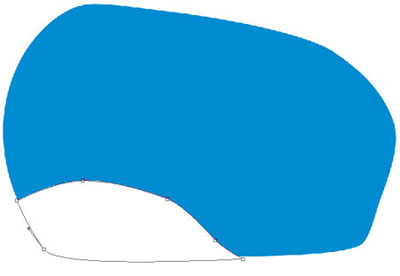
The same tool will help us to picture another figure, this time in white color.
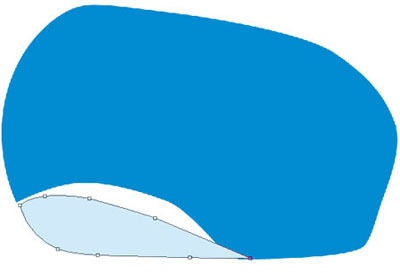
Take again the previous instrument to picture another element with the color D0EAF9.
The same instrument and another element.

Take the same instrument to introduce one more element colored in white.
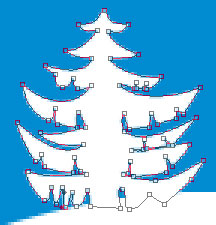

Copy the recently created layer 5 times and apply the usual option Free Transform to make the necessary changes where they must be made. The color's code is shown next image.

Take again the known instrument to insert another element colored in EB659A.

Using the previous instrument, draw another picture, cored this time in 90007B.
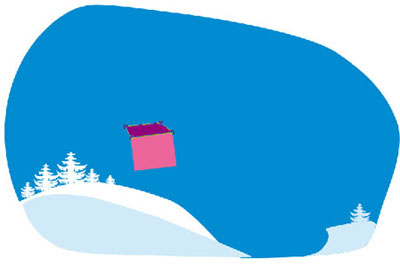
Take again the same tool to insert another figure with the color DDA0C1.
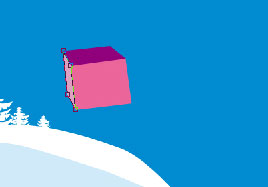
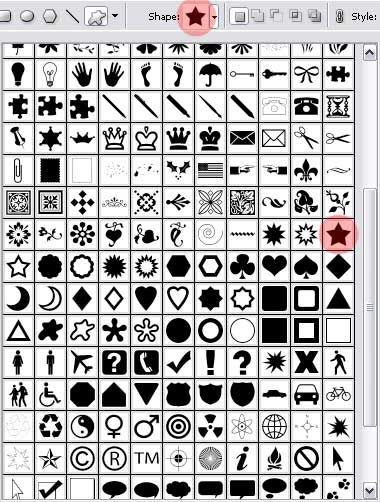
Now you should choose another instrument  to take form the next table the corresponding cliché that you must use next step.
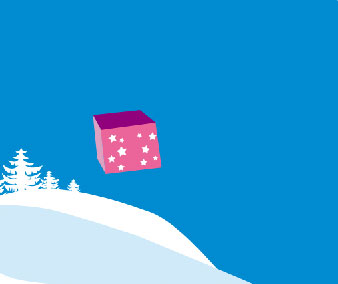
Create several small stars painted in white.
Get back to the known instrument again to introduce another figure colored in E4007B.
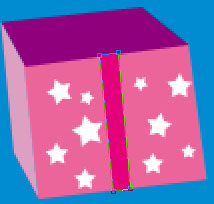
The same instrument and another figure. The color must be 9498C8.
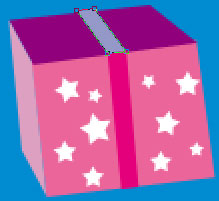
Another element drawn by the same tool, but colored in E51682.
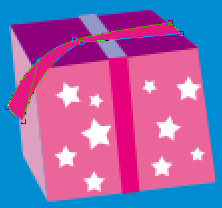
Take one more time the same tool to represent the next element with E51682.
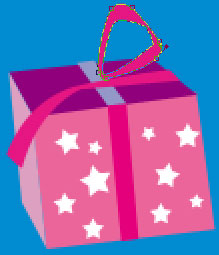
Another element colored in E6F3FC.
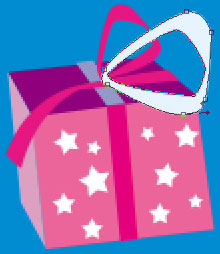
Use again the same tool to draw the next picture with the color F5D5E2.

Another element represented by the old tool and painted in white.


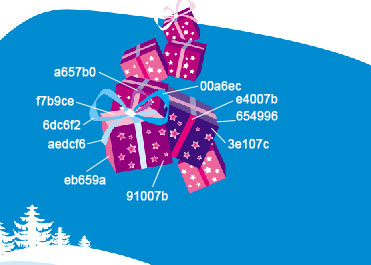
Now you should merge down all the layers, composing the present and the bow in a single group. Copy it after that 10 times and apply Free Transform selection to minimize or enlarge if there is need for this. Change the colors with the indicated codes below. Finally hide for a time this group
Two of these copies, but without several bow's elements are absolutely the same.
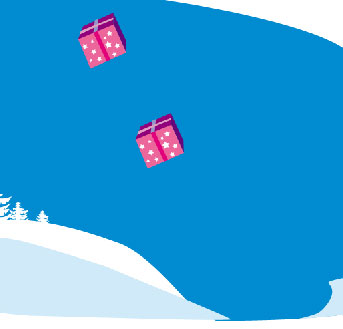
Four of the next copies are also identical without some of the bow's elements.
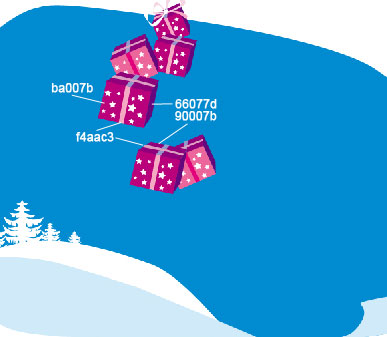
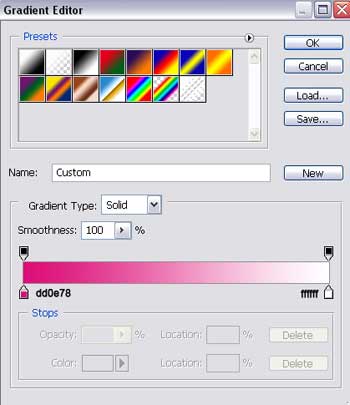
Apply on the stars Blending Options-Gradient Overlay
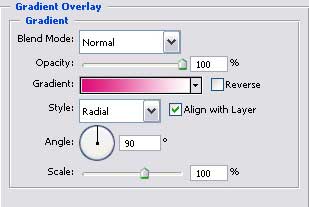
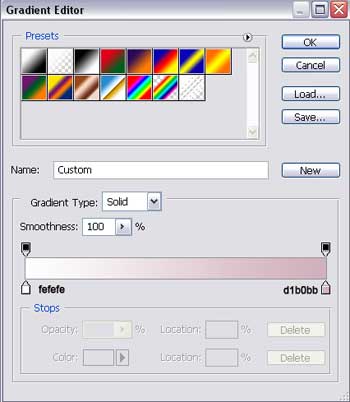
Gradient's parameters.
Two of the next copies (white boxes), except some of the bow's elements are also identical.
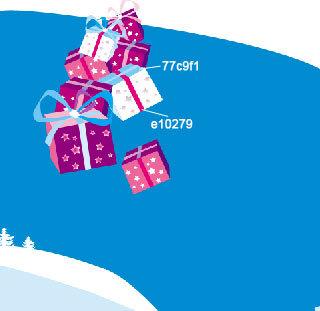
Apply on the stars Blending Options-Gradient Overlay
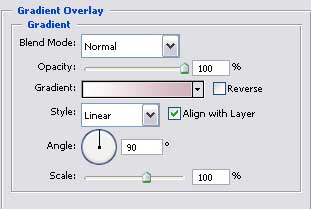
Gradient's parameters.
Show again now on the layers the hidden copied groups of the presents.