


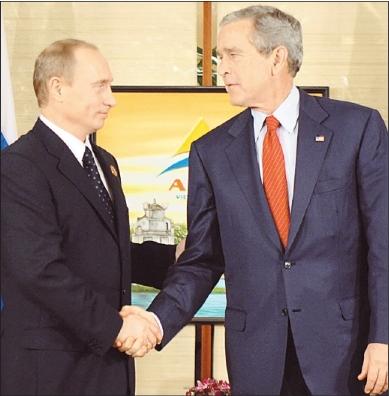
1. Open Photo, use this if you want
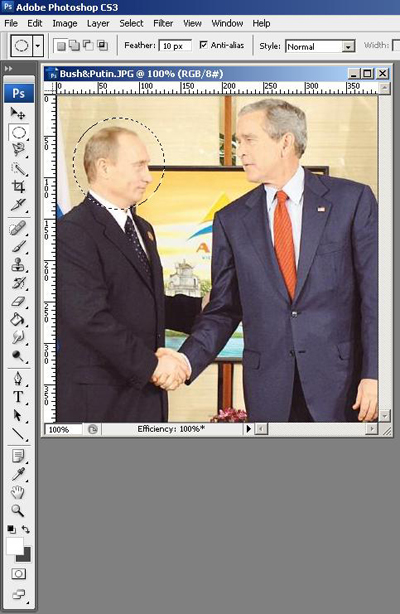
2. Select the Elliptical Marquee Tool and select the region where to apply the effect
3. Go to Filter -> Pixelate -> Mosaic ( i select the size of Cell, 5 square )
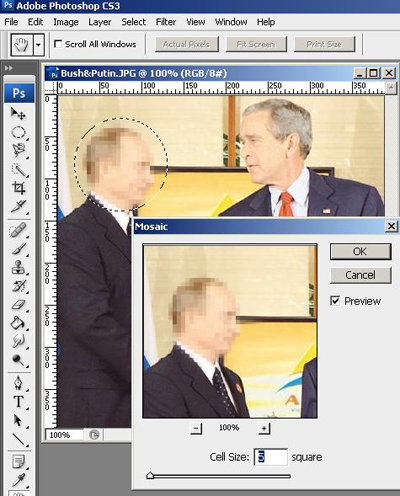
And that's it! You have censored Putin!
