

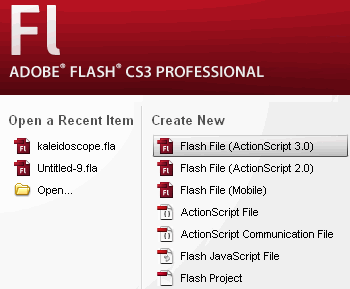
1. Open Flash CS3 and create a new Flash File (ActionScript 3.0)
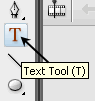
2. Select Text Tool (T) and create a text block

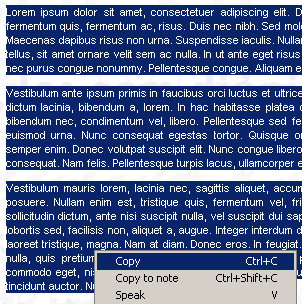
3. Copy and Paste your text
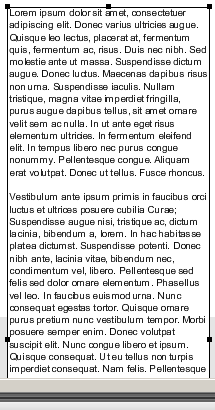
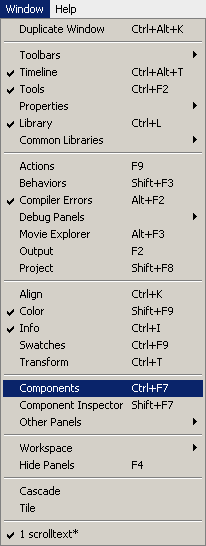
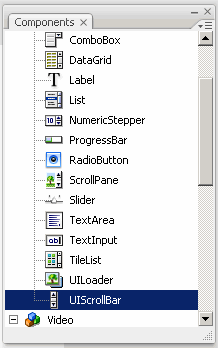
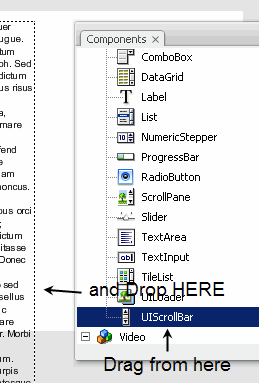
4. Now go to Window and select Components. When the Components panel appears, open the User Interface components and drag a copy of the UIScrollBar component near bloack text
5. You can change the color of your scroll bar in the Properties Panel
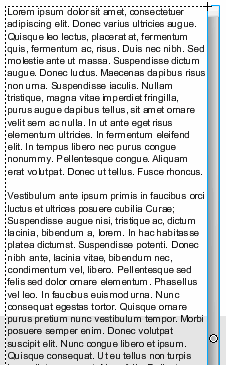
6. That's it! Test your Movie, Save and Publish it!
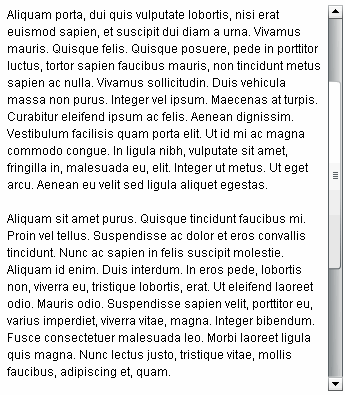
My final example is here and the Lorem Ipsum website here! If I have time I will make a video! Thank you!
