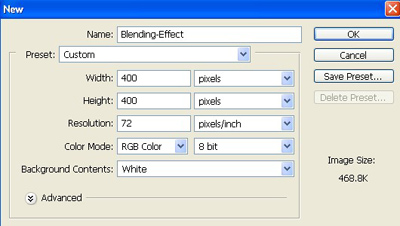
1. Take a new file of 400 pixels, 400 pixels of resolution 72 dpi in the RGB mode.
2. Now take the Shape Tool and choose this one.

3. Now create a new layer.
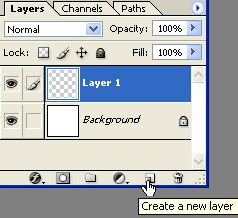
4. Then create a shape and fill the color black.

5. Then go to Blending Option and select the Color Overlay use these settings.
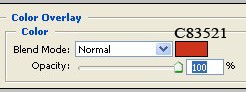
6. Do not click ok then select Drop Shadow apply the following settings.
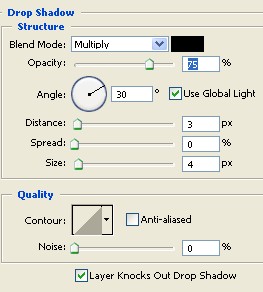
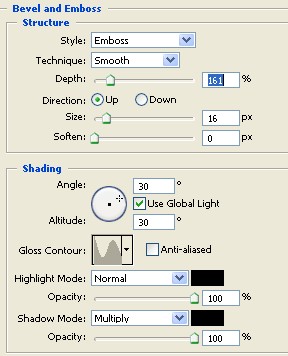
7. Do not Click ok select the Bevel and Emboss use these settings.
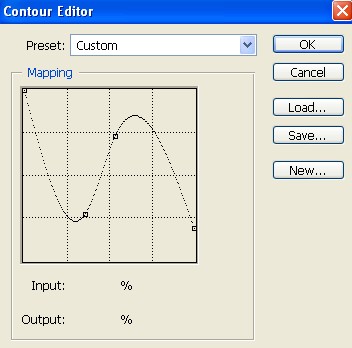
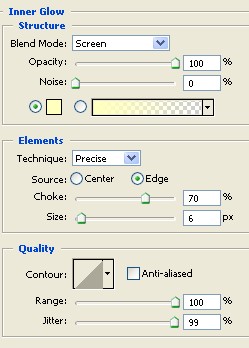
8. Do not click ok select the Inner Glow apply the following settings.
9. Here is your final image.