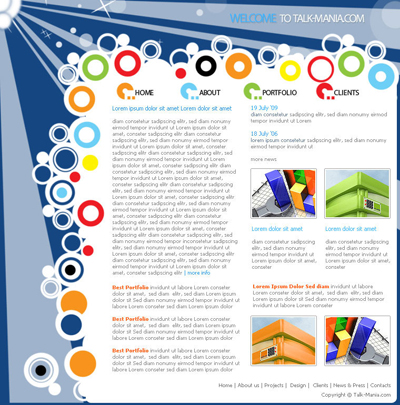
Please open a new document. As usual i will chose my standard sizes: 760 pixels wide x 770 pixels height
I will use a blue #154681 background for this layout
for this layout we will use brushes very much. please bookmark the following link: www.photo-shop-brush.com ( for the next 2 months we have placed schedules posts in this website, and you will have available for download at least 2 - 5 new brush sets per day.
Please download the following set of brushes : Design elements brushes
Load these brushes in photoshop, then create a new layer ( press Ctrl+Shift+Alt+N ), and with brush tool make a simple drawing on your layout

Select Rounded rectangle tool, and create a new shape. place it like me
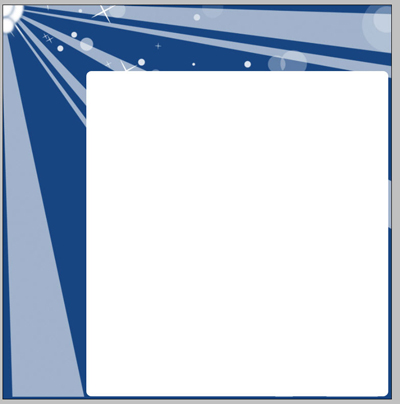
Then download the following set of Vector brushes
Select a brush you like most, then
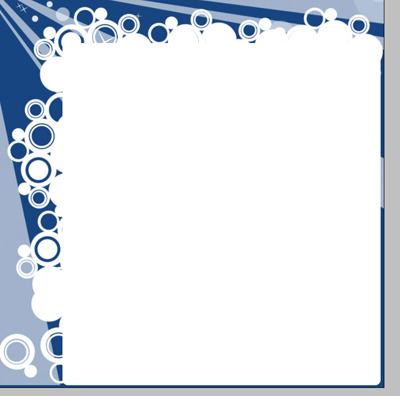
Create a new layer ( Press Ctrl+Shift+Alt+N ) and with brush tool, add some details on our background
Please look at the following image. you can see some red arrows. on that area we need to fill the empty holes.
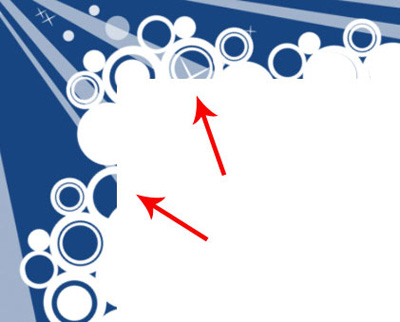
You will see in this image exactly what i want to make
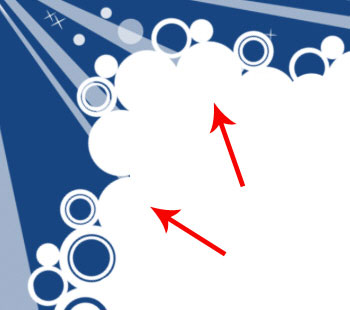
This step is very important because we will create a continuity in our layout
Now comes the funny part. please select a Hard round brush ( already in photoshop ) and on this layout, please add different details like me. use different colors if you want a nice effect
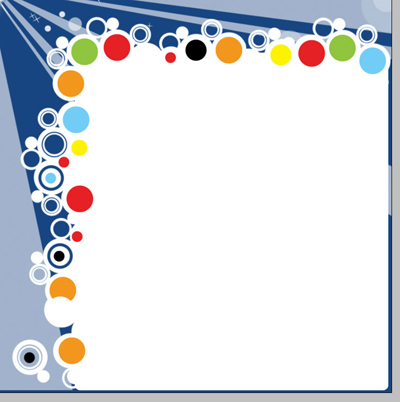
Now set the foreground color to white, and with a smaller brush add another circles over the colored circles

Now it is time to add some text, on our layout, and of course some text
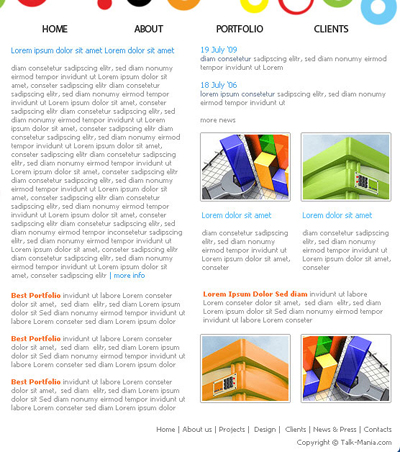
You can see that i have placed 4 buttons at the top of the layout. i consider there are a little to simple, that's why we need to add another details for that buttons
Create a new layer ( press Ctrl+Shift+Alt+N )
Then with another set of brushes : Tech Brushes
Add some minor details

Of course on this layout can be added a lot more details. If you have time I want to see layouts you can made using photoshop brushes. the best layout with a unique idea will receive a VIP subscription for one year
This is my final result