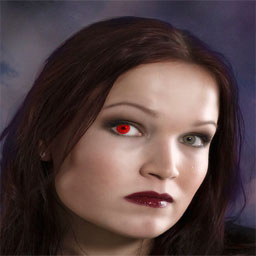
1. Open a picture. I took this one:
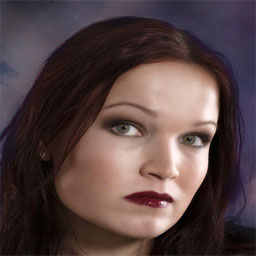
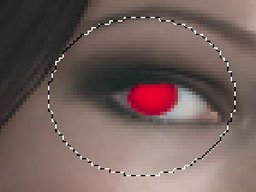
2. Make a new layer and select the area of the eye with the Elliptical Marquee tool just like i did below:
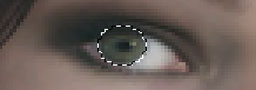
3. Fill the selection with an color u prefer:
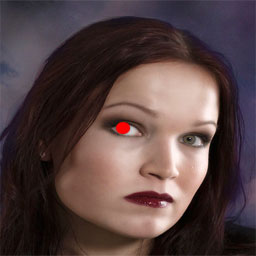
4. Now go to Filter->Blur->Gaussian Blur and set it to: 2.0 .
5. Take the eraser and erase the eye till it fits precise, like i did below:
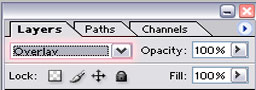
6. Final step, set the layer to: Overlay:
Final Image: