


Let's begin! Draw something on paper, anything. At the beginning keep it simple, a sketch or a simple drawing. Scan the image and save it as *.tif
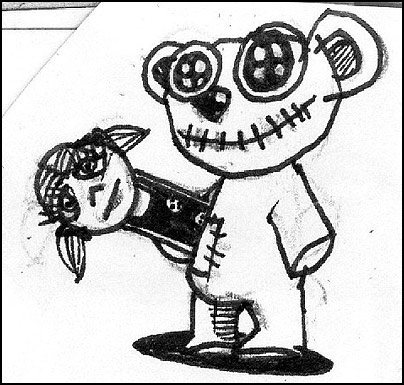
Open Adobe Streamline, which is Adobe's vector converting program (you can also use other converters, such as Corel Trace etc) and simply click convert. Sometimes we mess around with some options to get an optimal result..
We get a vector image in B&W:
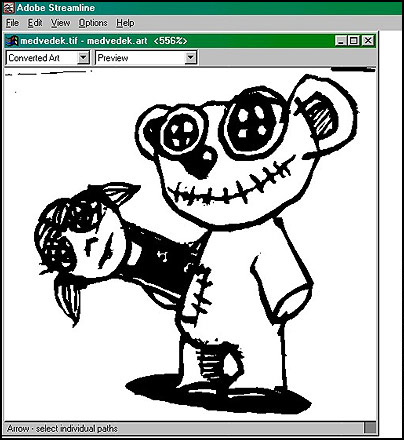
Now copy/paste the image into Adobe Illustrator.
Now examine your image a bit. How does your drawing act when in vectors? Take the selection tool (black arrow) and experiment a little. Hold and drag (and than UNDO).. You will see here there are no pixels. You can zoom in all you want and all you will get is smooth mathematically defined curves. By selecting the whole visible image, You can resize, expand on the x and y scale and rotate it as you wish. The handling of objects is so much simpler than in pixels. Every element on your drawing can be selected and you can change it and add color and this is how we will colour the whole image now.
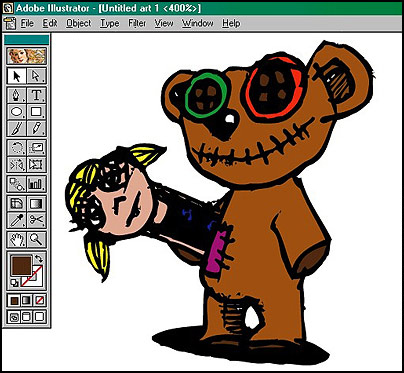
These were some first easy steps. Remember, Adobe Illustrator is based on flat surfaces (remember the lack of pixels) and is very convenient when working on pictures or logos which need to be smooth looking.
