

Preparations:
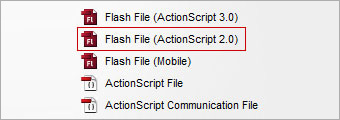
Create a new flash file (ActionScript 2.0) and save it as test.fla in this case.
Step 1:
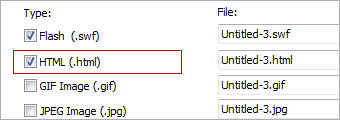
Proceed on to File > Publish Settings. Make sure the HTML type is checked.
Step 2:
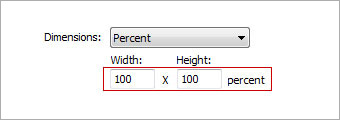
Select Dimensions > Percent and enter 100 for both Width and Height.
Step 3:
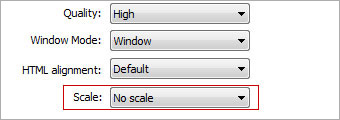
Select Scale > No Scale
Step 4:
Click on Publish and generate 2 files, test.swf and test.html.
Step 5:
Open up test.html with any text editor and include supplied CSS codes within head tag. That's all!
| <style type="text/css"> body { margin-left: 10px; margin-top: 10px; margin-right: 10px; margin-bottom: 10px; } </style> |
 10Steps is a huge resource of Photoshop tutorials, freebies and inspiration for designers.
