

Preparations:
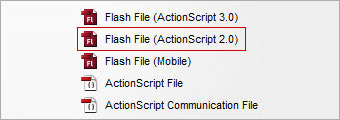
Create a new flash file (ActionScript 2.0) and save it as test.fla in this case.
Step 1:
Draw a circle object on the Stage.

Step 2:
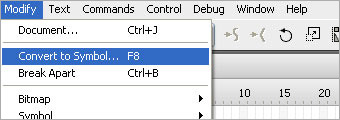
Convert the object into a Symbol with instance name my_mc.
Step 3:
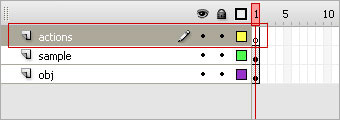
Create a layer on top of the object layer and name it as actions.
Step 4:
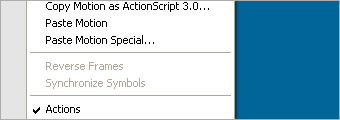
Right-click on the frame and select Actions to open up the Actions panel.
Step 5:
Insert these codes inside the Actions panel.
That's all!
| speed = 8; my_mc.onEnterFrame = function(){ cursorX = _root._xmouse; cursorY = _root._ymouse; this._x += (cursorX-this._x)/speed; this._y += (cursorY-this._y)/speed; } |
 10Steps is a huge resource of Photoshop tutorials, freebies and inspiration for designers.
