


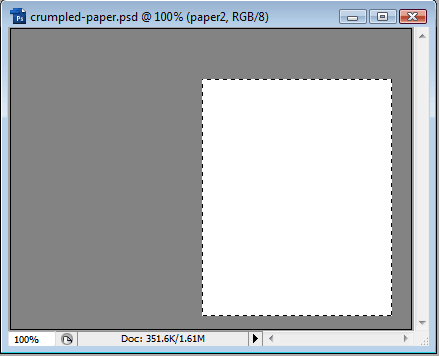
We will start with a blank canvas, background gray, and create a new layer called Paper. Then we'll create a selection for our paper and then fill it with white:
Next, we'll select the Gradient tool and change the Mode to Difference and choose the White to Black gradient:

Using the gradient tool, make several short strokes inside the selection, so you end up with something like this:
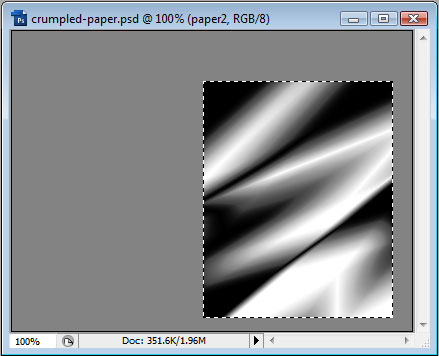
We don't want too many crumples that it looks unrealistic. It may take you several times to get a look you desire, so be patient, and make use of PhotoShop's History.
When you are satisfied, goto Filter > Stylize > Emboss. Experiment with the settings - I used 90, 1, 136 to achieve this:
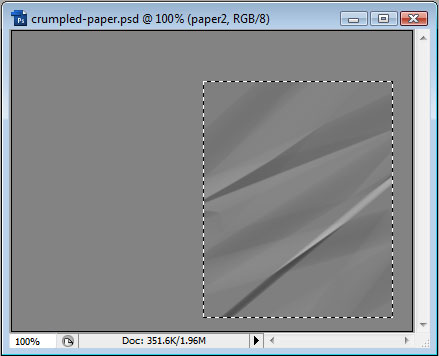
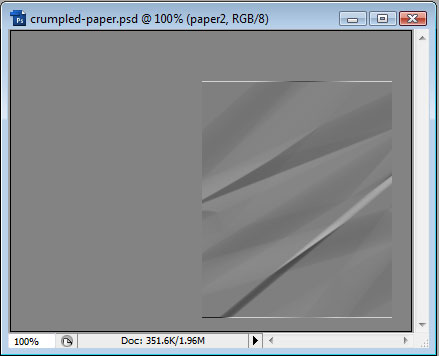
Now when you deselect, you may have white edges as shown below. If so, just erase them with the eraser or marquee and delete.
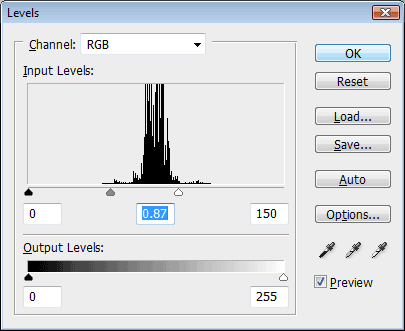
Next step is to go to Image > Adjustments > Levels. We want to move the sliders until we have an authentic paper look.
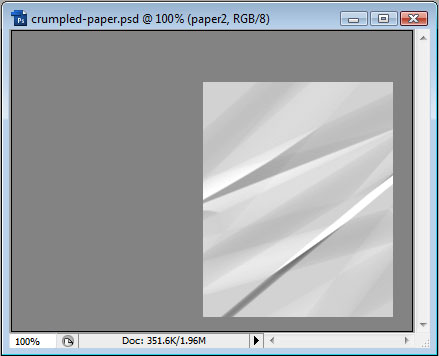
We have a nice look but the edges are way too straight. Let's fix that. Choose the Polygonal Lasso tool and make selections around the paper like so:
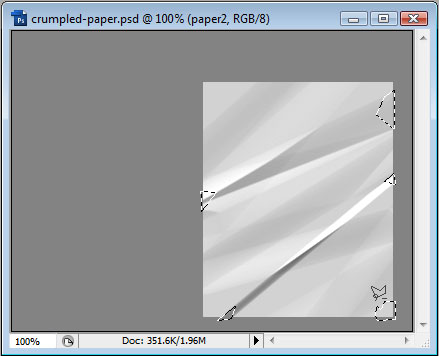
And then hit delete. This will give us some torn edges:
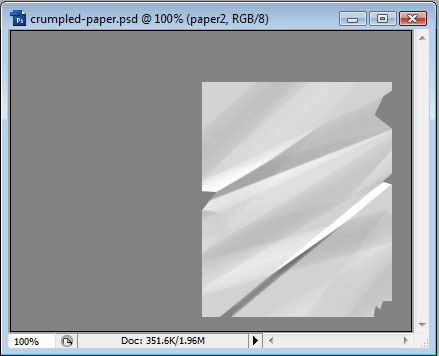
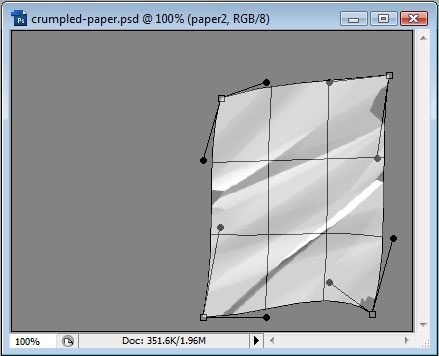
Now goto Edit > Transform > Warp, and stretch the page something like this:
Now if you want to add some text to the page, we can use a displacement map to try and displace the text. Ctrl-click the paper layer to make a selection, then copy it and paste into a new document. Then save as displacement.psd
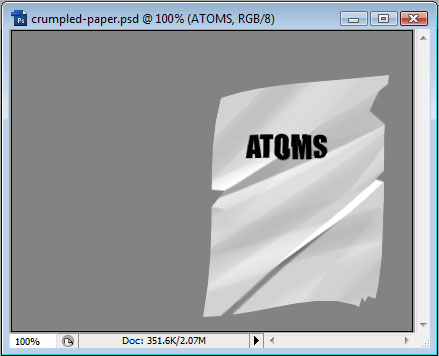
Now create your text over the paper, and then right-click the text layer and choose Rasterize Layer (or Type). Then, making sure your paper is still the selection, goto Filter > Distort > Displace. Choose a few pixels distortion (no more than 5, depending on your document size), and then when you hit Ok you should be prompted for the displacement.psd - choose that, and voila:
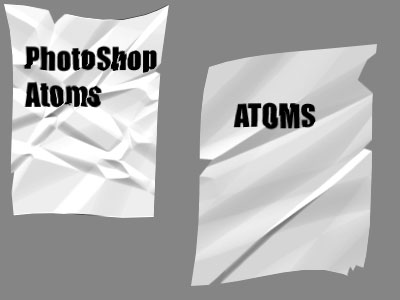
You can use this technique to create other sheets of paper and come out with entirely different results:
Have fun.
