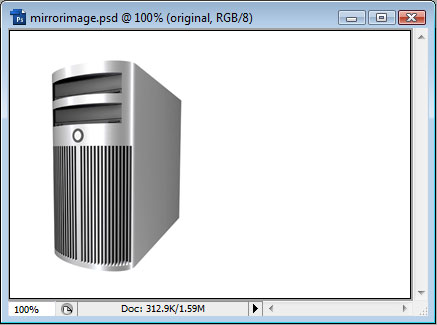
We will start off with the following image:
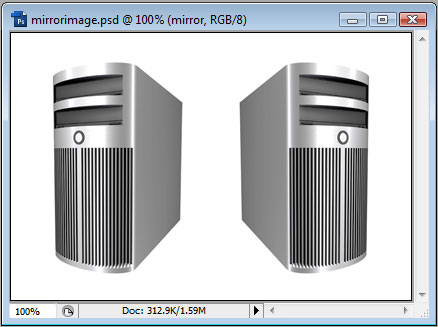
We will start by duplicating the layer, and then goto Edit > Transform > Flip Horizontal, then move it over to the right-hand side, like so:
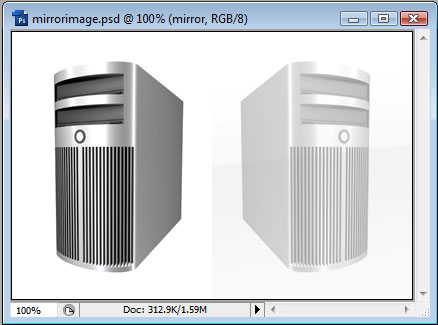
Let's reduce the opacity of this duplicated layer down to around 35%, then open up the Layer Styles and add a Gradient Overlay. We need a nice reflective Gradient. The following was used in this example:
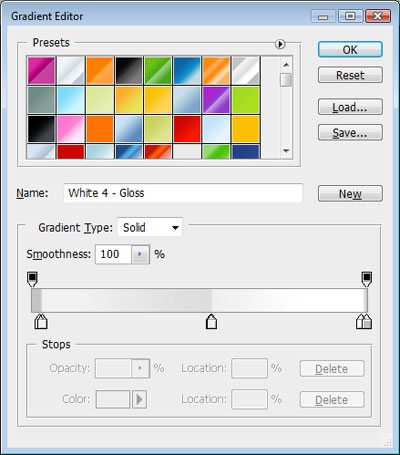
We also want the angle of the Gradient to be -85° and the scale may need to be adjusted to fit, or repositioned.
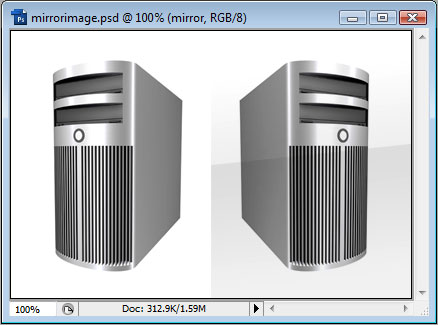
Now we want to reduce the opacity of mirrored layer to something like 35%.