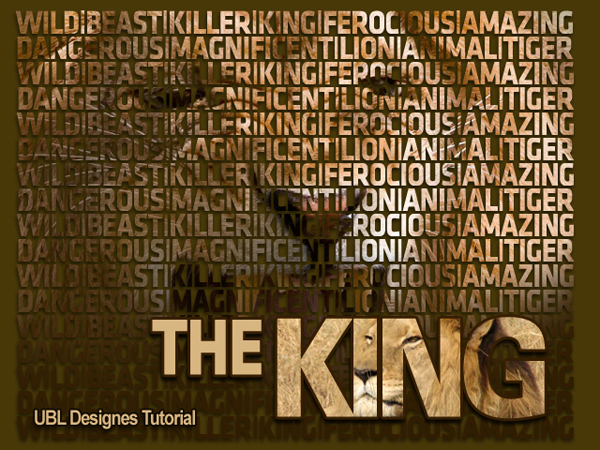
Step 1
Type a words across the whole page using a thick text like i have below.
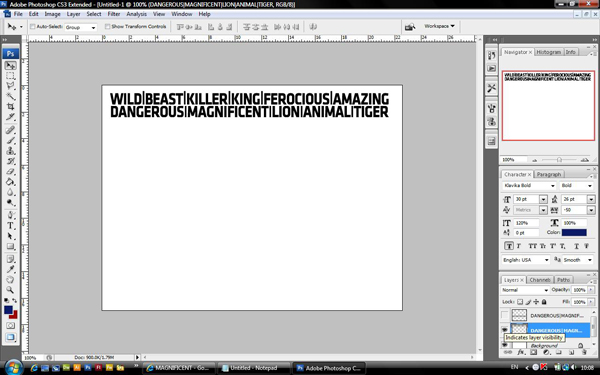
Step 2
Now by clicking right click on the text you have created and click rasterize layer and then duplicate the layer over and over untill you have filled the whole page like i have shown below
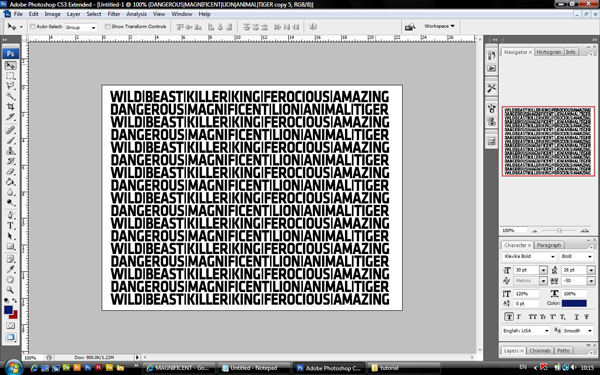
Step 3
Now highlight all the layers you have text on and merge together by clicking right click and choosing merge layers and you should have something like this
Ok now you need a picture of a lion i have chosen this picture
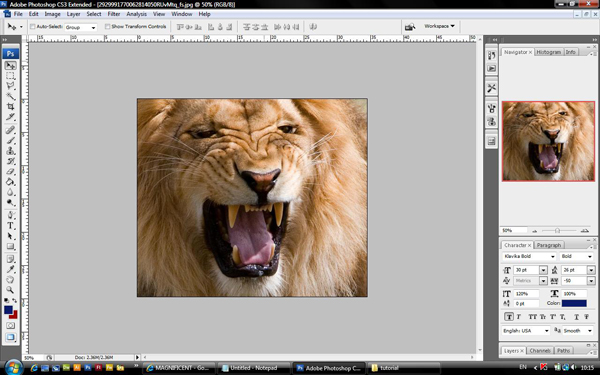
Step 4
Now insert it into you scene above all layers created already. Now click right click on the layer in the layer palet and choose create clipping mask. Ok the image is a little lost so now click on the layer styles on the text layer and use drop shadow and use these settings below.. The screen shot is not of any use which i apoligies for... The drop shadow is just the basic drop shadow settings.
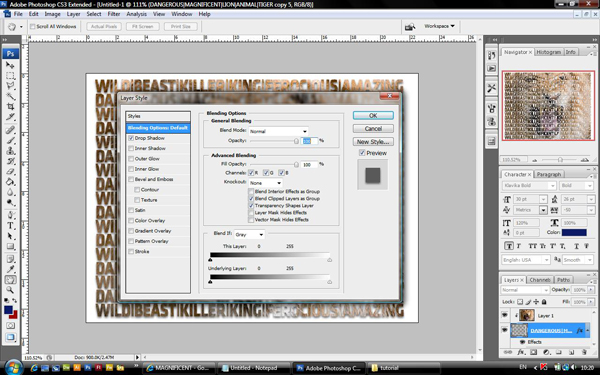
Step 5
Now let introduce colour into the back ground. (set you foreground colour at #483808) click on the background layer in your layer palet and go to your paint bucket tool and fill background is as shown below
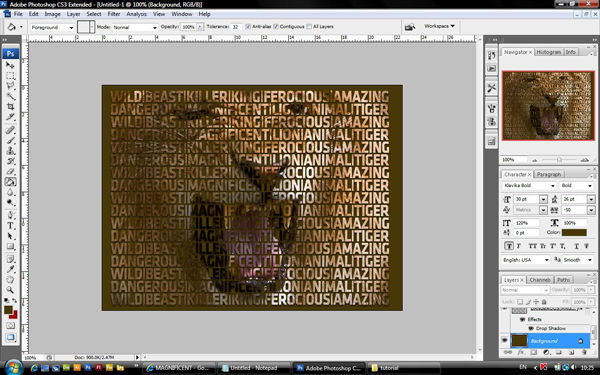
Step 6
Now type king in the bottom of the scene as shown below and rasterize it like shown in stage 2
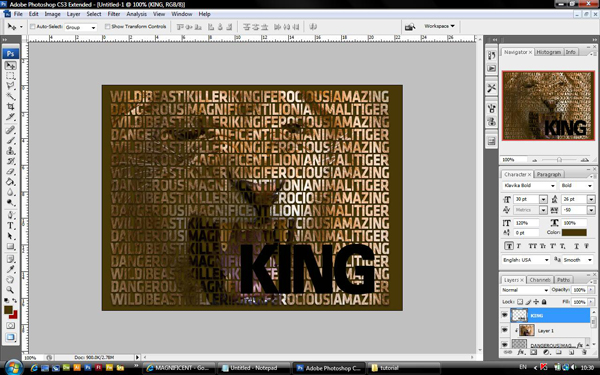
Step 7
now choose another lion image, i have got this picture to use
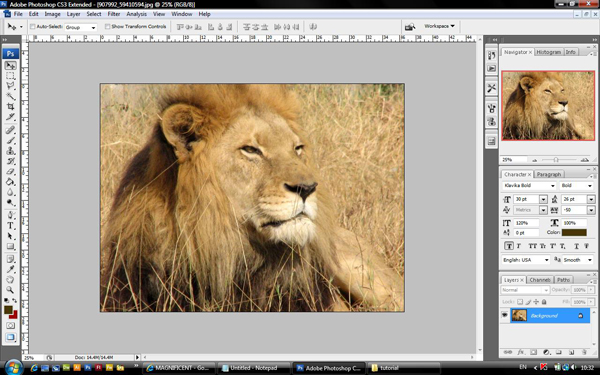
Step 8
Follow step 4 for this image again and you should have something like this
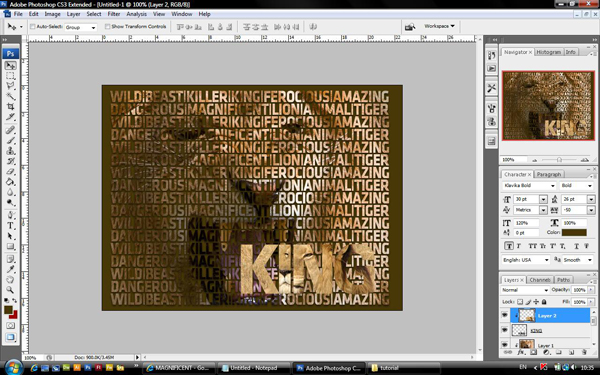
Step 9
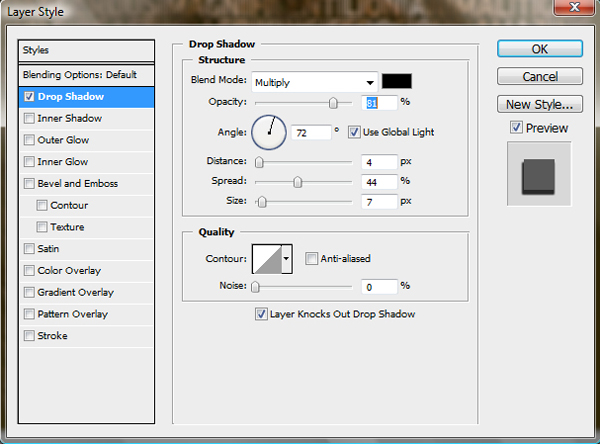
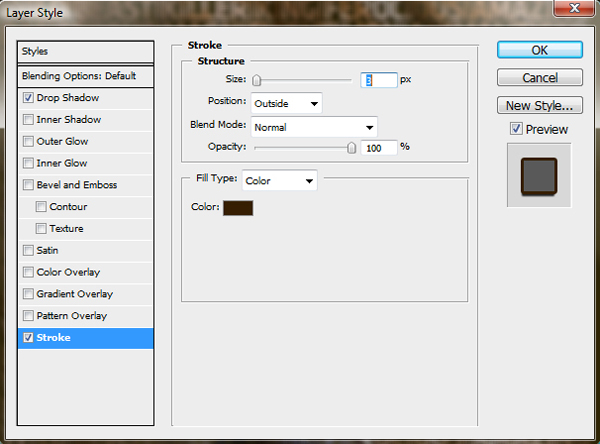
Now lets select the KING layer and add layer style to it. put these settings in
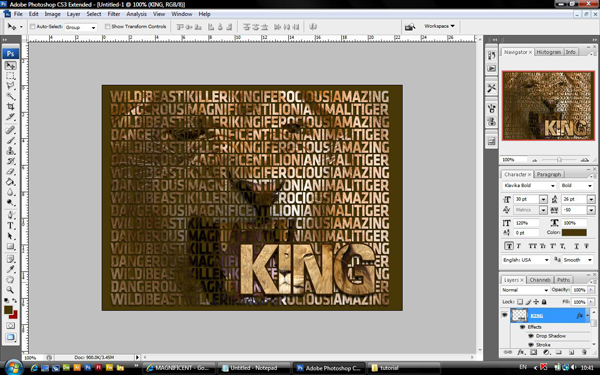
Step 10
Now lets add one last word "THE" above all the text layers and put the colour as #a67026, now follow stage 9 for this layer too and you should have something like this:
Final Step
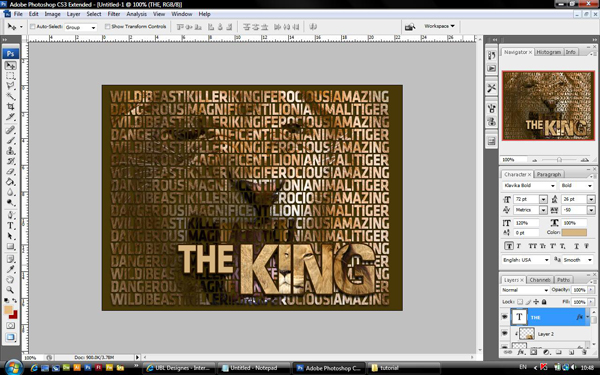
Now lets darken up the large text area. select the lion image that you used for your large text area and select new layer above that, right click on the layer you have just created and select create layer clipping. Now put your foreground colour to #311d02 and select the graduant tool and making sure it is brown to transparent play around with it. you should have a finished look something like below: