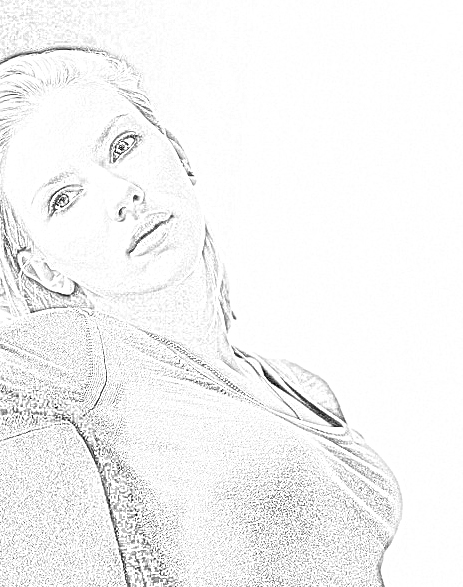
Open a photo in Photoshop.
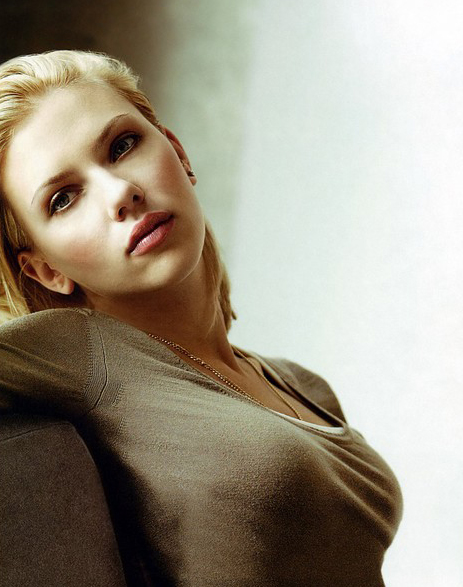
Duplicate a layer - Layers> Duplicate layers (Ctrl+J)
Transform a photo in black-and-white colours - Image> Adjustments> Desaturate (Shift+Ctrl+U)
Dublicate black-and-white layer (Ctrl+J)
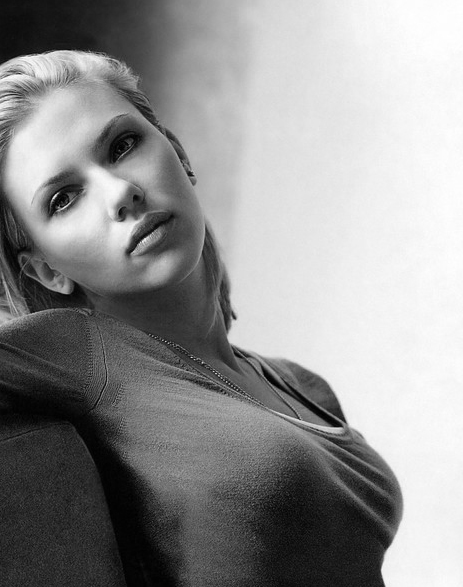
Duplicated layer we Invert the image (Ctrl+I)
Put mixing Mode - Color Dodge
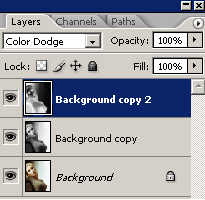
Go to filters - Filter> Blur> Gaussian Blur, the radius is exposed 2-3 pixels.