

1. Sketch
Always draw your illustration on paper first. This will save your time.

2. Trace
The illustration was traced in Adobe Illustrator using my favorite tracing technique. First, import the scan in Illustrator and set Layer Opacity to 20%.
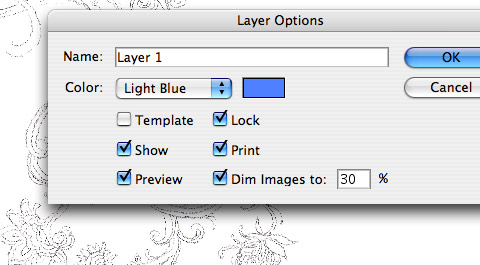
Then trace it with the Pen tool.
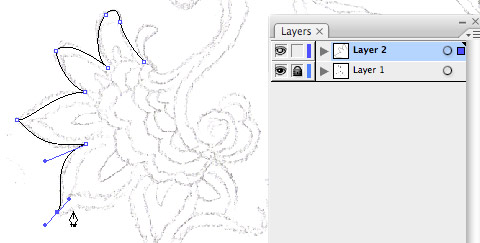
3. Coloring
After you've done the tracing, go to Colourlovers.com (or any color palette sites) and find the color themes that you like. What I did was copy the sample image from the site, then paste it directly in Illustrator.

Now fill the path color by using the Eyedropper tool.

With the Eyedropper tool active, select the path, then click on the image to pick the color. That's it. Quick and easy.
