


Overview
Basically, what we need to do is style the ol element to Georgia font, and then reset the p element (nested in ol) to Arial.
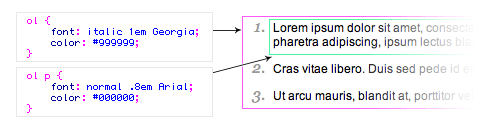
1. HTML source code
Make an ordered list. Don't forget to wrap your text with a <p> tag.
|
<ol> <li> <p>This is line one</p> </li> <li> <p>Here is line two</p> </li> <li> <p>And last line</p> </li> </ol> |
Here is how the default ordered list will display:
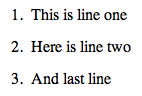
2. ol element
Style the ol element:
|
ol { font: italic 1em Georgia, Times, serif; color: #999999; } |
The list will become like this:
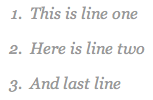
3. ol p element
Now style the ol p element:
|
ol p { font: normal .8em Arial, Helvetica, sans-serif; color: #000000; } |
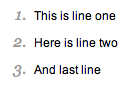
Your final list should look like this:
View my demo file to see more samples.
