

I will start as usual with an empty document with the following size 760x770.
For background I will use the following color #3a3a3a.
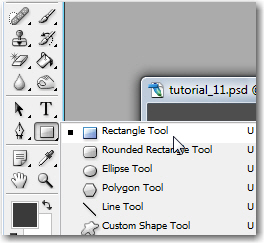
I will use Rectangle tool:
I will create some vertical lines like in the following image:
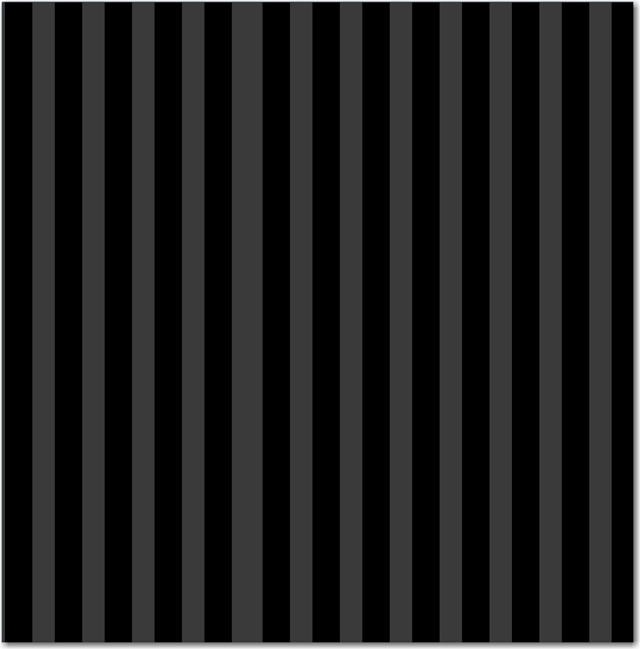
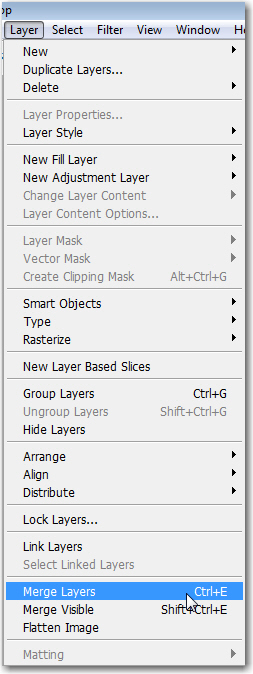
Then I will select all layers without the background layer, and I will merge all these layers together.
To merge these layers you can go to Layer > Merge Layers.
Please note that you need to select all layers.
Then with this layer I will go to Filter >> Distort >> Polar coordinates:
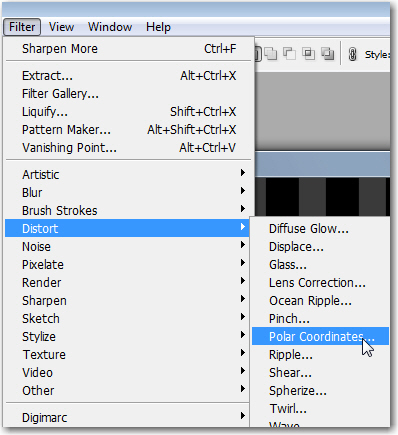
Be sure you have the " rectangular to Polar " selected.
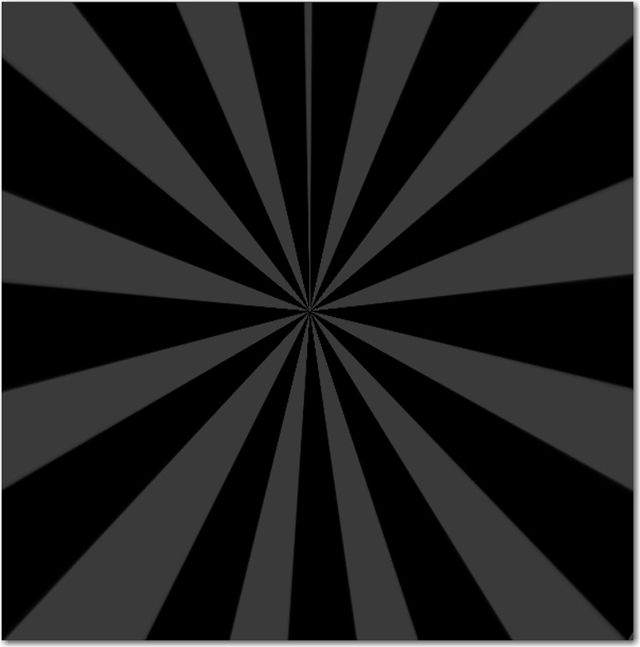
You will have the same result as mine:
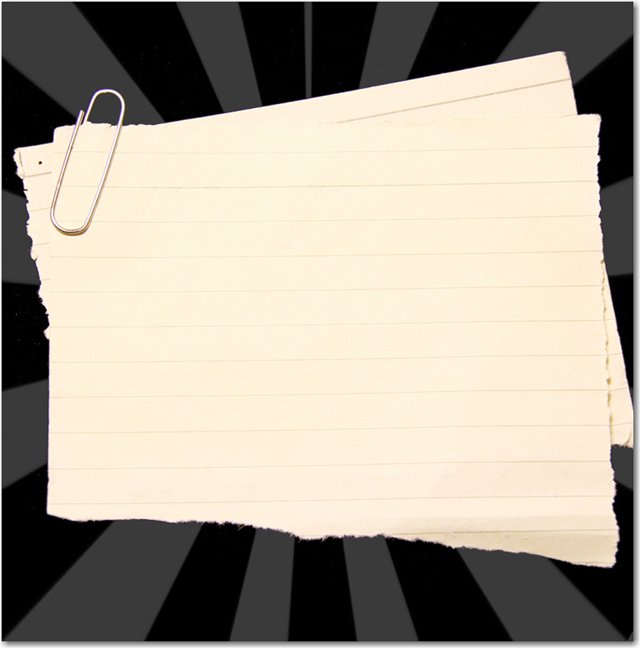
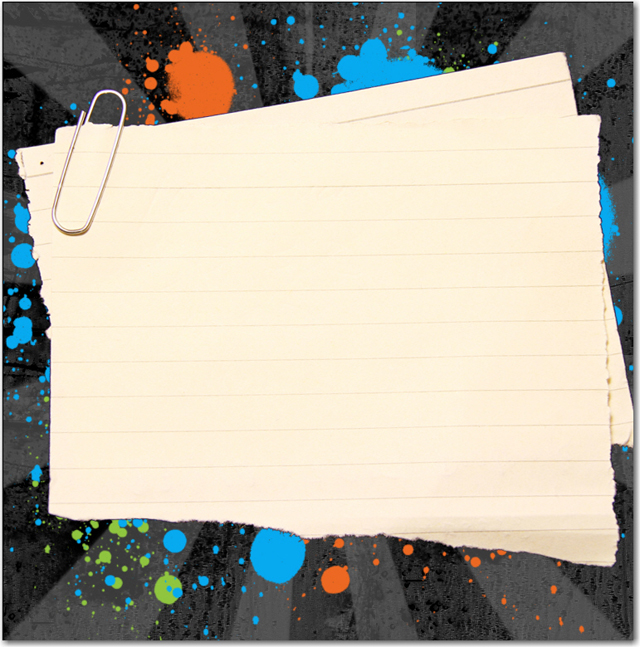
I have used a image with an old paper. I will place the image like in the following image.
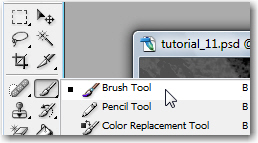
After that I will use Brush tool.
I will download a very nice set of Grunge brushes from Mud brush.
I will create a new layer right above the Background layer. To create a new layer in the right place, first you need to select the background layer in your layer palette, then press on Ctrl+Shift+Alt+N.
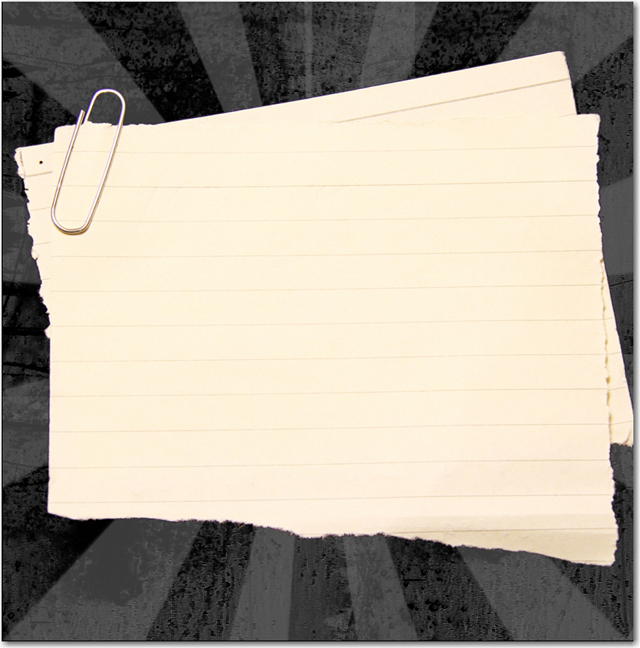
I will select a random brush, then I will make some drawings on my layout.
I will download another great set of Photoshop brushes from Free Photoshop Brushes.
With some random colors, I will make some splats on my canvas.
On the top right side of the layout, I will place some pixel icons from ( Talk-Mania Big-Pack ).
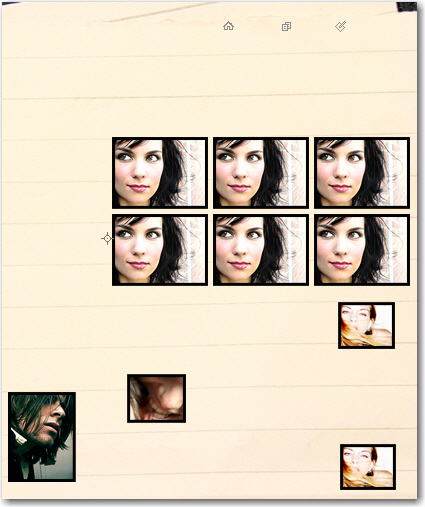
I will place another stock images from my personal collection.
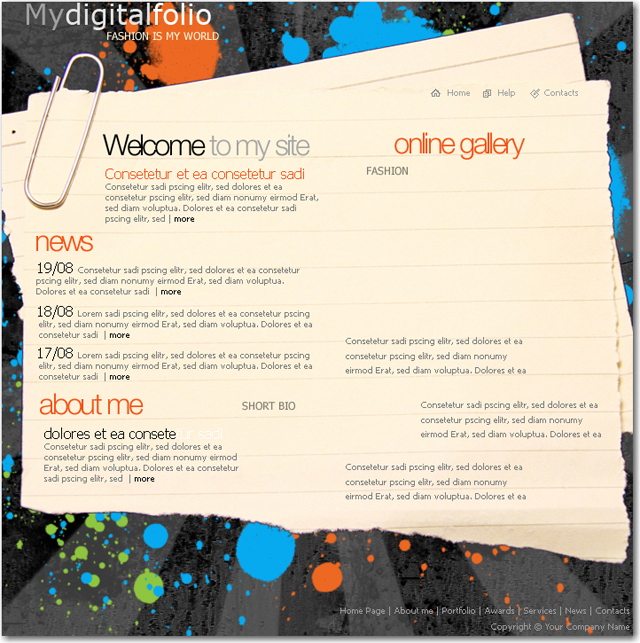
After that I will write some text with different fonts.
Please take a look at my text. You can see some random colors, and also some different sizes for the font size. these small details will make my layout look better.
With Custom Shape tool
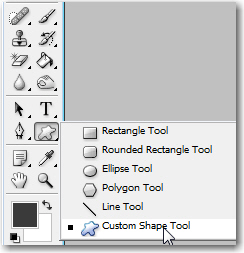
and the following shape
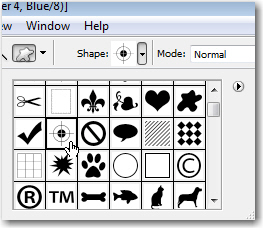
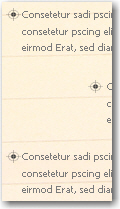
I will add some shapes near my text.
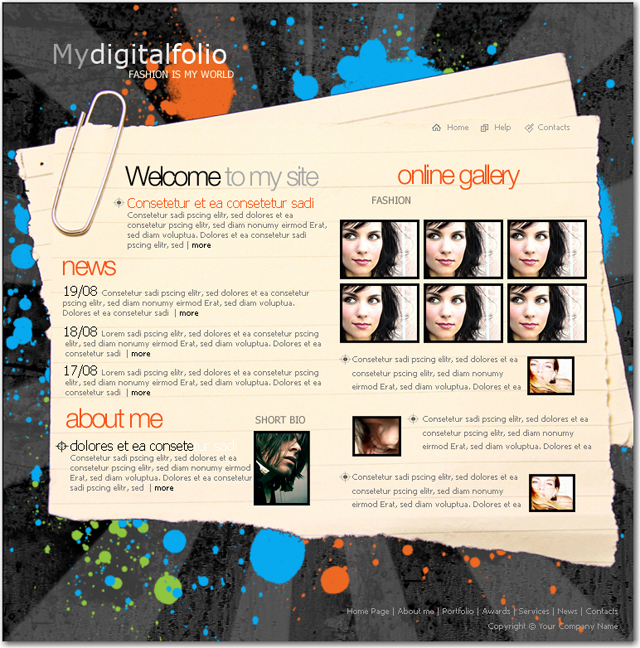
This is my final result. I hope you like it!
Thank you.
