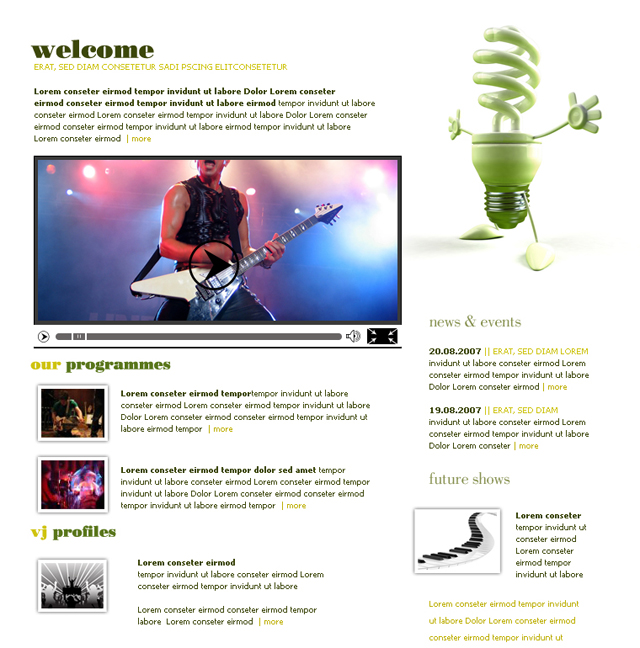
As usual I will start with a new document with the following size 760x770 pixels.
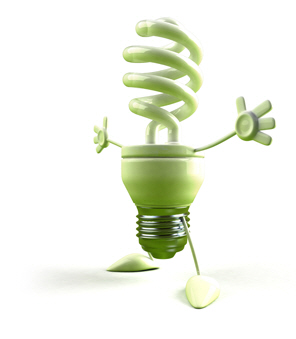
I will place a bulb image from my stock collection:
With Rectangle tool
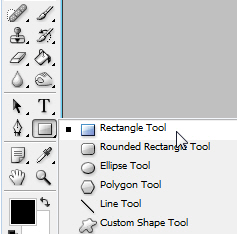
I will create a simple rectangle with the following color #3a3a3a ( this shape will be used as a video player on our new layout ).
For this rectangle I will add a simple layer style.
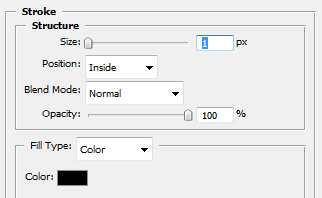
Here is my result:
You can see that under this rectangle I will create a line with Line Tool.
With Rounded Rectangle Tool
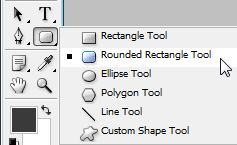
I will create a rounded shape.This will be the slide bar.
For this bar I will use the following color #676464:
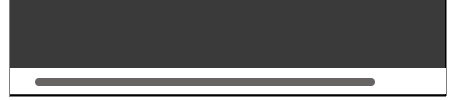
With Line Tool I will create some small lines
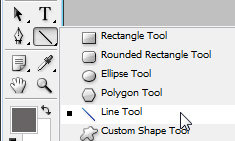
I will place these lines on our bar.

Once again with the same tool ( Line Tool ) I will create another small lines ( We will use these 2 lines as a Pause button )

I will grab Custom Shape Tool
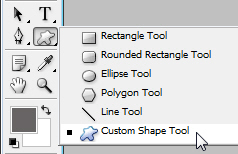
and I will use the following icon:
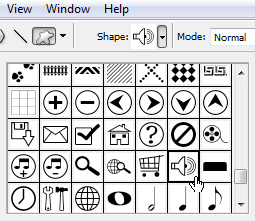
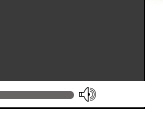
I will place the icon on the right hand side, after the loading bar:
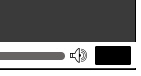
I will select one more time Rectangle Tool and with a black color (#000000) I will create a small rectangle. When your users will click on this button , they will be available to turn on / of the full screen view:
Again with Custom Shape Tool, and the following arrow selected:
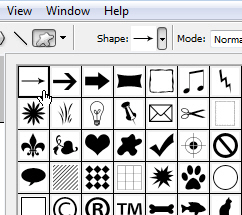
I will create four small arrows:
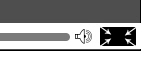
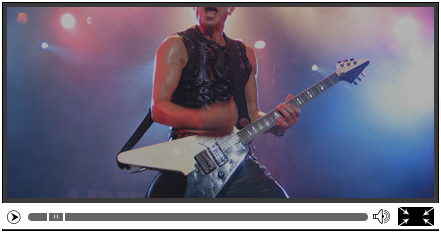
I have used a image, and I have placed this image on the video player:
One more time I will use Custom Shape Tool.
I have used the following shape:
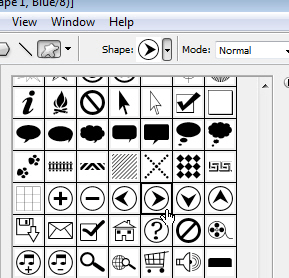
and I have placed this shape over the video player:
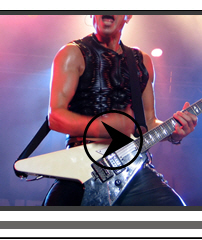
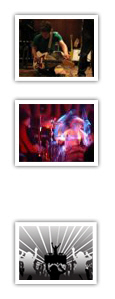
Now I will show you how to create a nice effect for a image. I will use a small image like the one you will see above:

Then I will use apply a layer style:
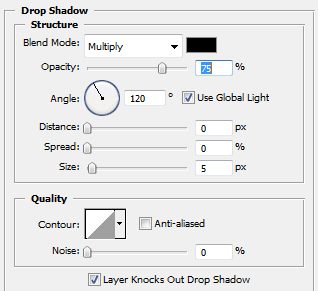
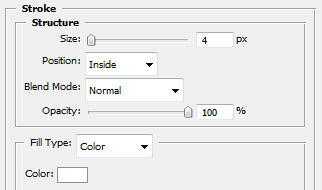
This is my result:
I will add different images, with the same proprieties:
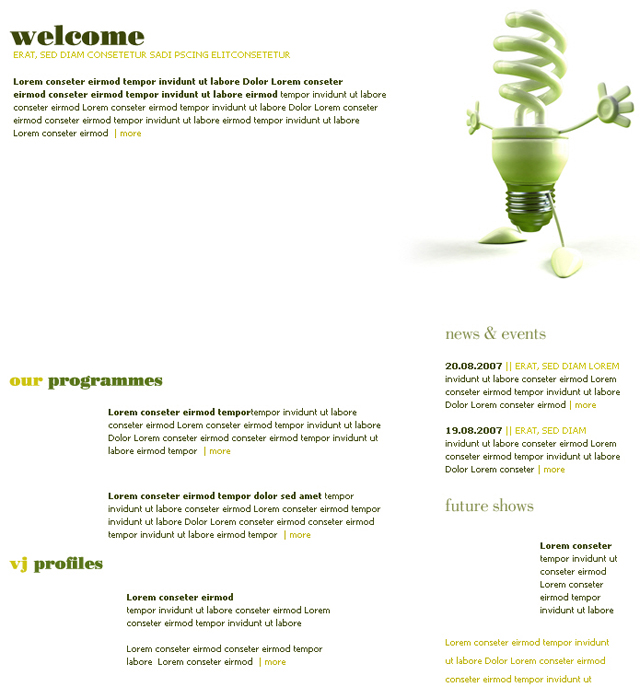
Now it is the easy part. try to add alone some text. if you know how to place the text properly , your website will look amazing. I will hide the video player, and the small images. in this way you can see better how I've placed the text:
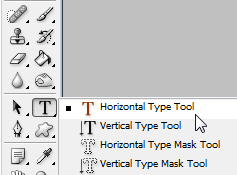
You can use the Horizontal Type Tool to write your text:
And this is how I placed the text.
Now I will show you all the element together. I will turn on the layer visibility, and this is my final result: