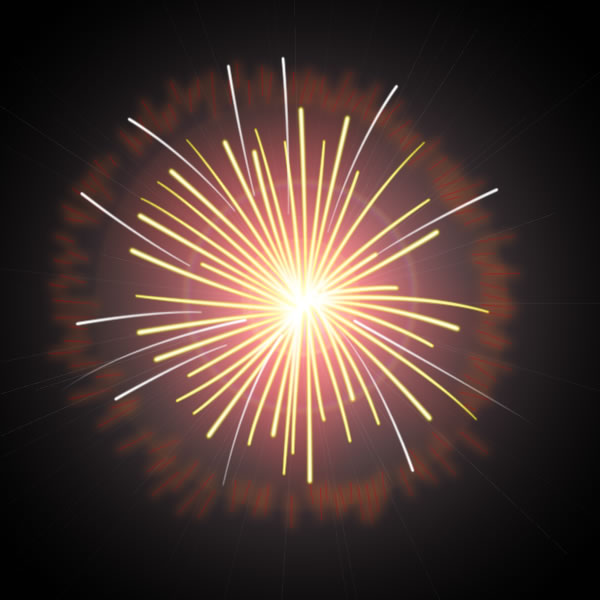
Step 1
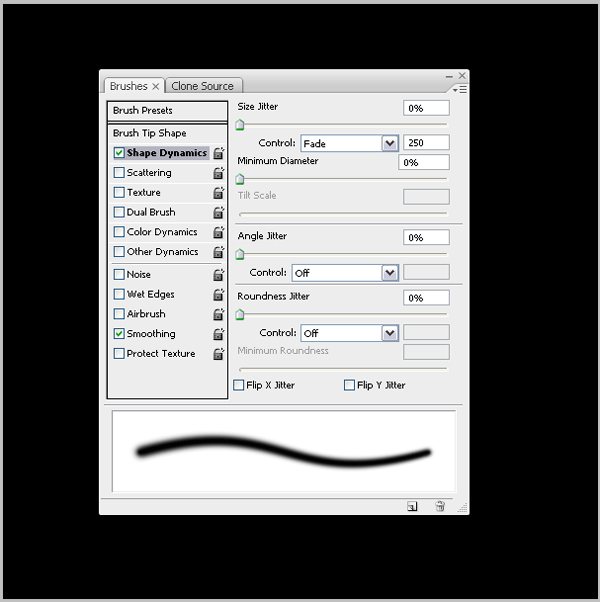
In the begining make sure that Brushes options set like this.
Step 2
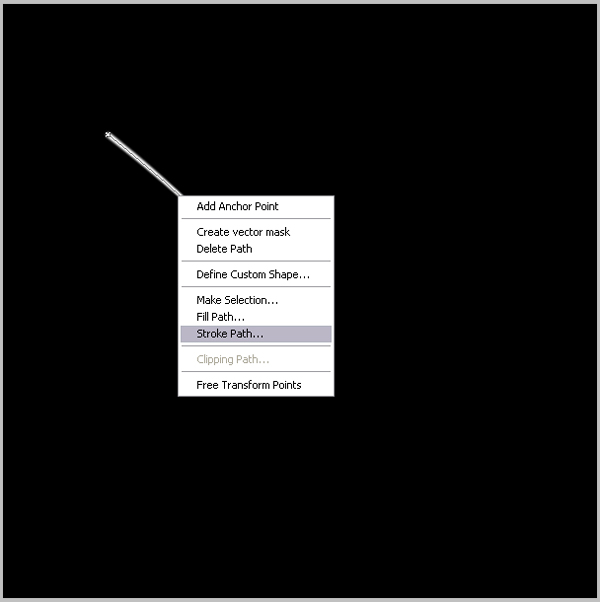
Start to draw lines with Pen Toll. When you finish with one line click right button of your mouse and sekect Stroke path.
Step 3
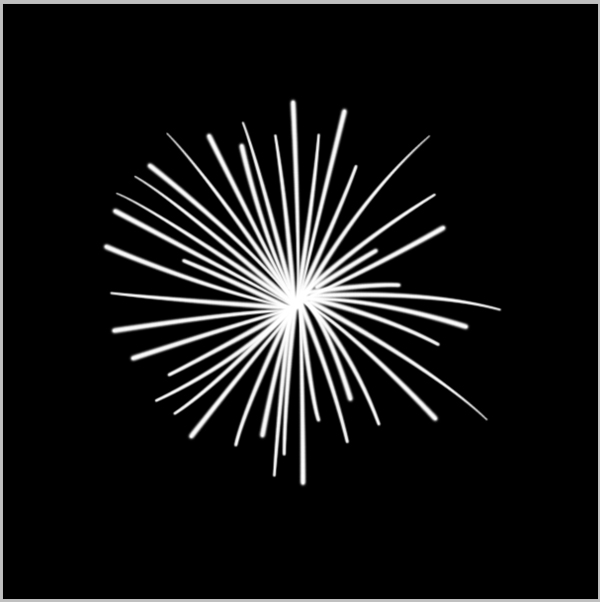
After you draw all lines you will get some shape like this.
Step 4
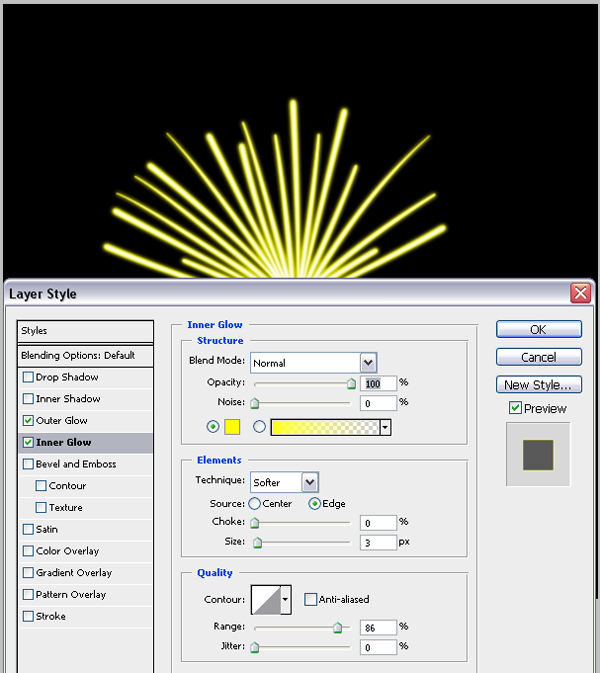
Now go to Blending options and select inner glowwith Yellow. Do like in picture.
Step 5
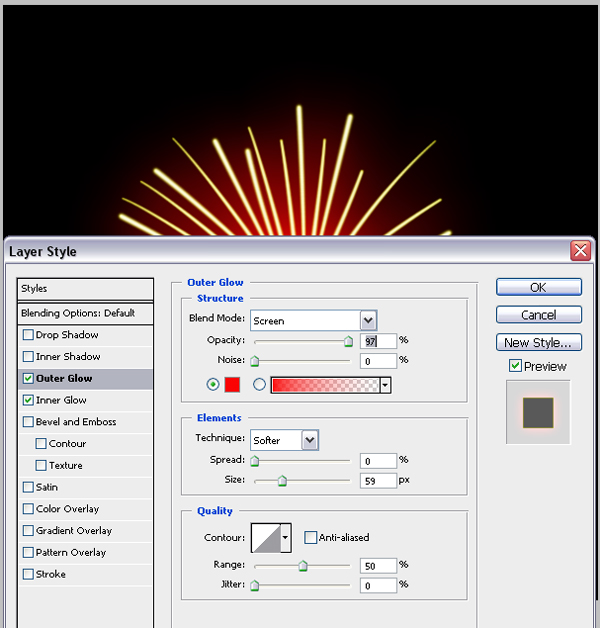
Then select Outer Glow with Red.
Step 6
After you colorize your shape.open new layer and draw some other shapes at the same way.

Step 7
Then some smaller lines oround.
Step 8
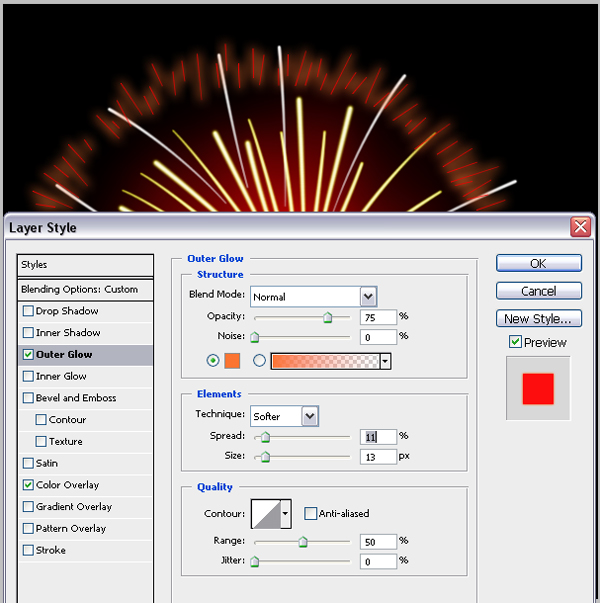
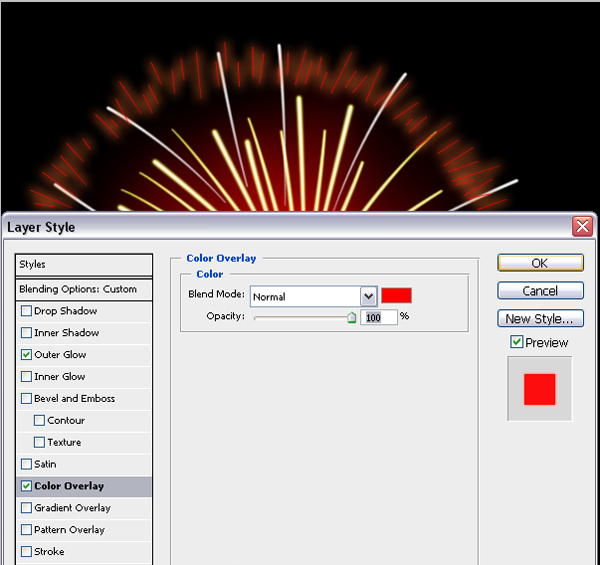
Again repeat Outer Glow.
Step 9
And Color.
Step 10
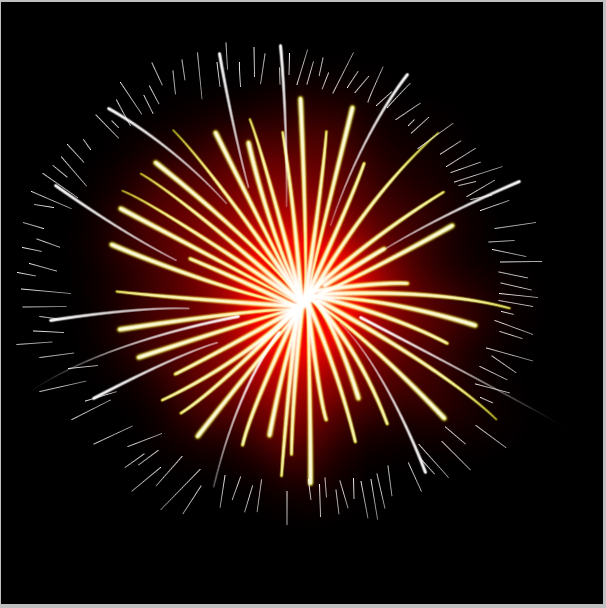
Give smaller Opacyti to last layer. and in Filter>Renden>Lens you can give some other effect like in picture.
Finish