


Step 1
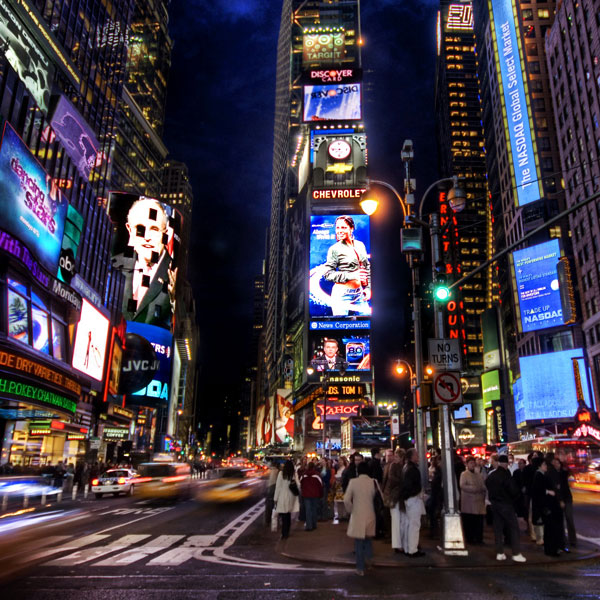
Here is original picture, from Time Square, NY.
Step 2
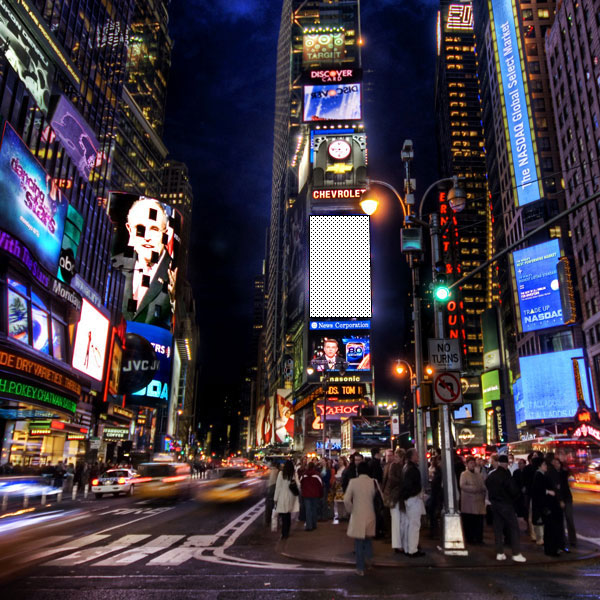
Lock backgroung Layer and add new one. Draw square across one ad.
Step 3
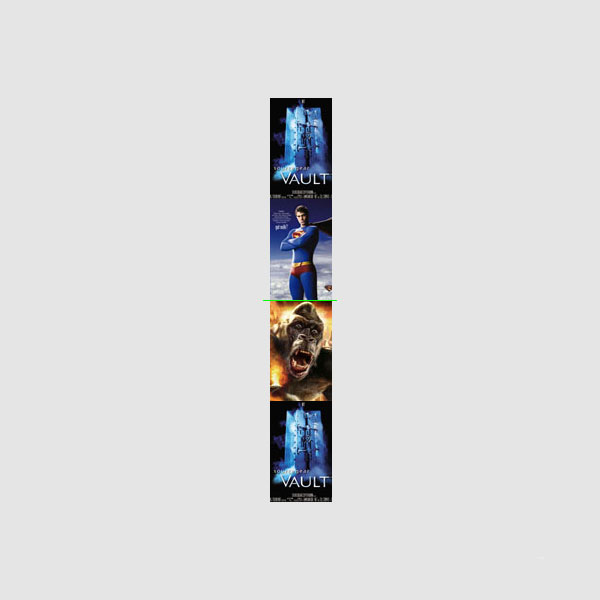
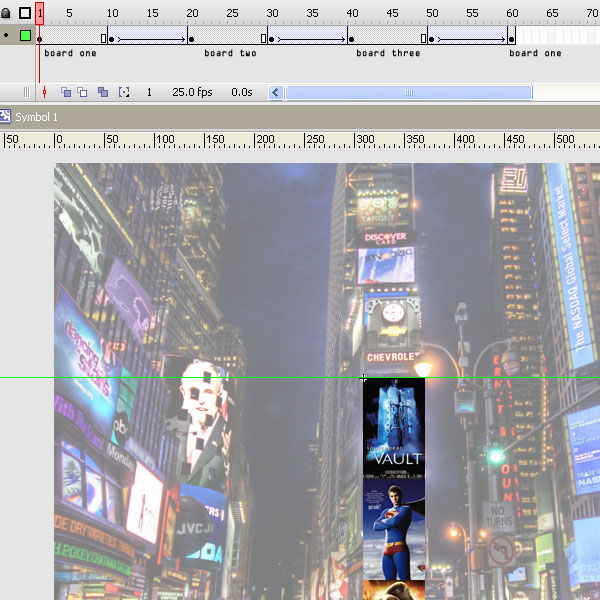
OK, add one more Layer (boards) and insert pictures for your board and arrange them like on picture bellow. It's true, first one has to be last one, also.
Step 4
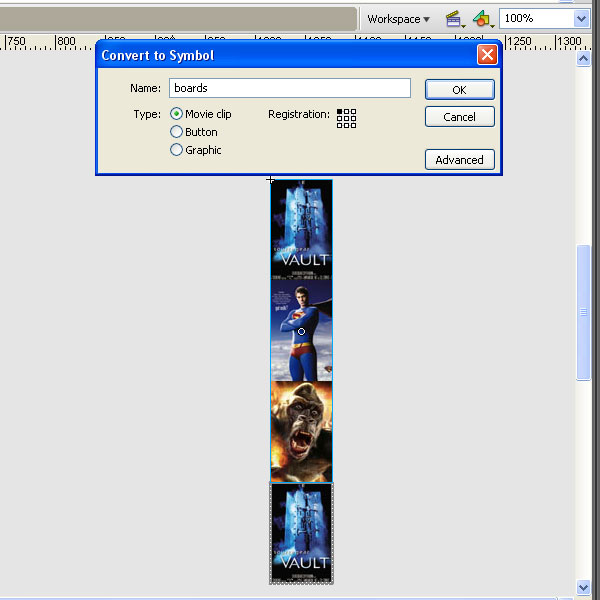
Select all pictures and Covert them to Movie clip
Step 5
Now position your first bord under the white square that we drawn before.
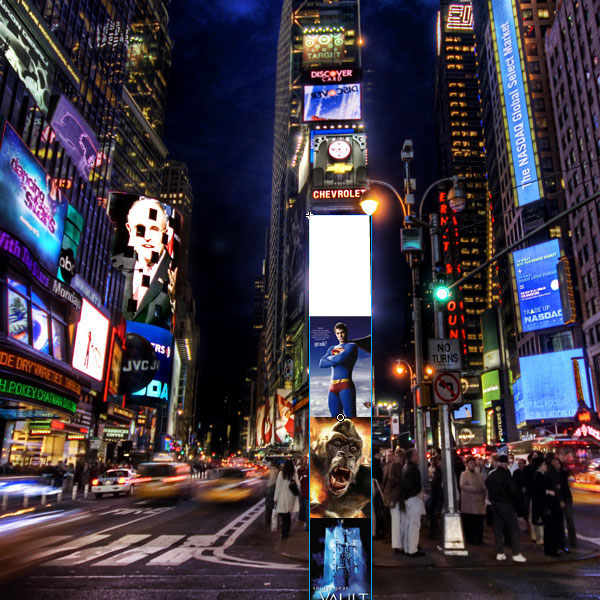
Step 6
Select Layer with white square and use him like a Mask
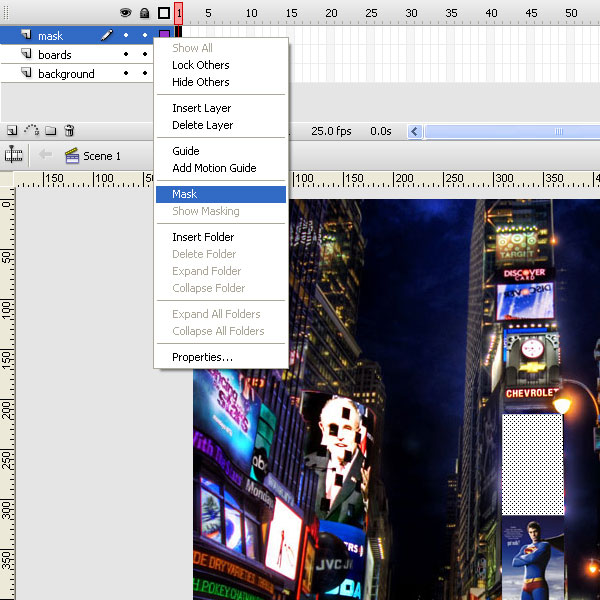
Step 7
Your timeline should look like this one.
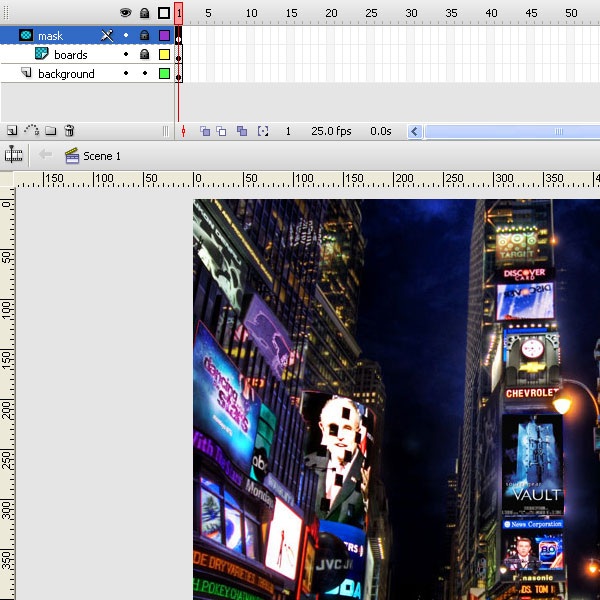
Step 8
And your boards are hidden now. We only see first one. We are almost done, just have to set animation of the boards.
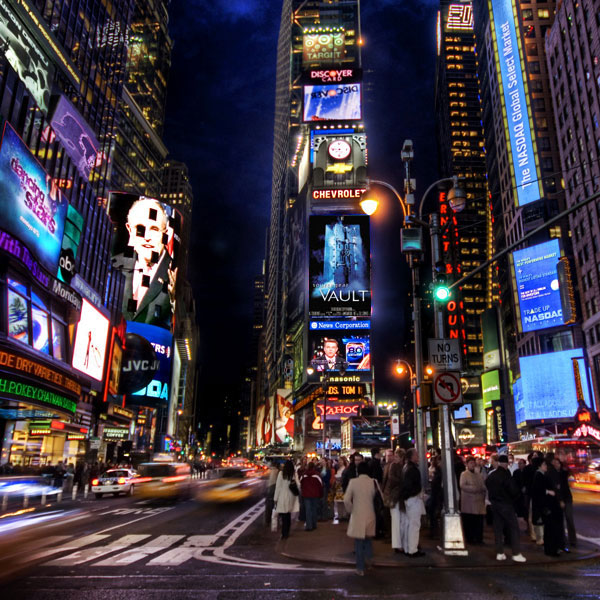
Step 9
Ulock boards Layer and get in to boards Movie clip.
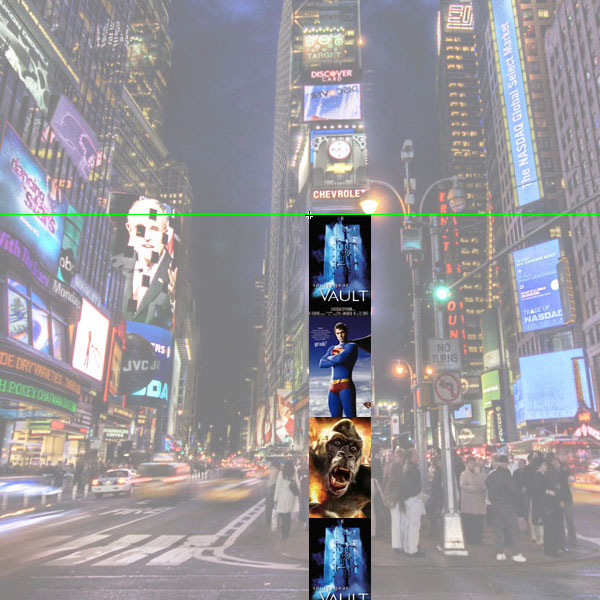
Step 10
Add ne frame and in new frame move all boards up for height of one board.
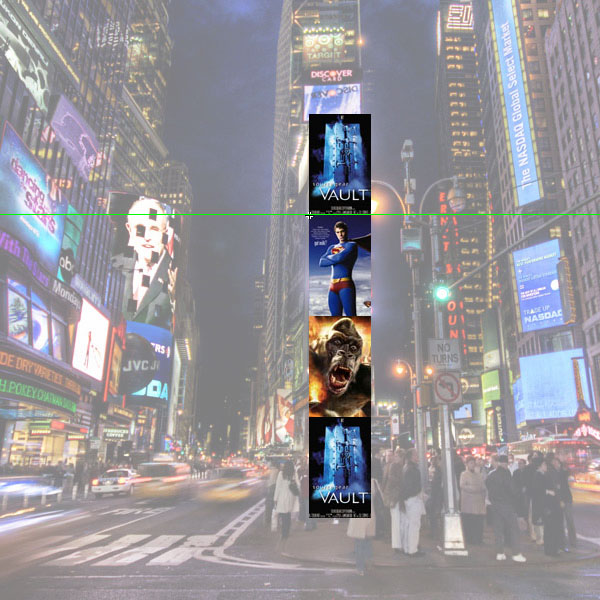
Step 11
Do the same once again, now 3rd board is in center position.
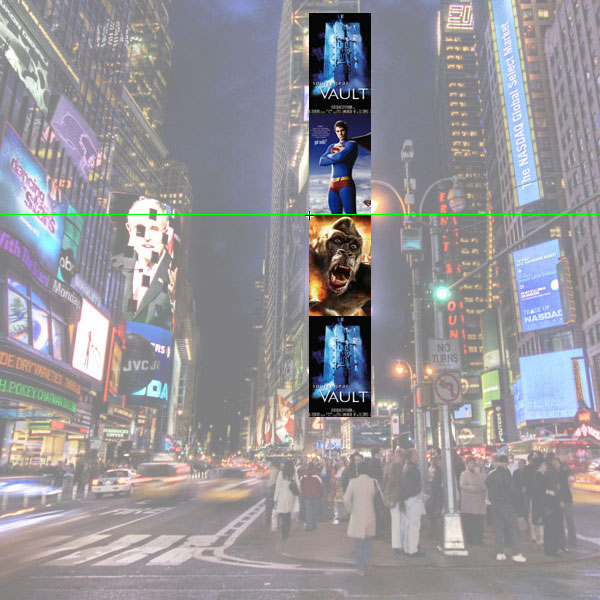
Step 12
And the last (olso the first) one.
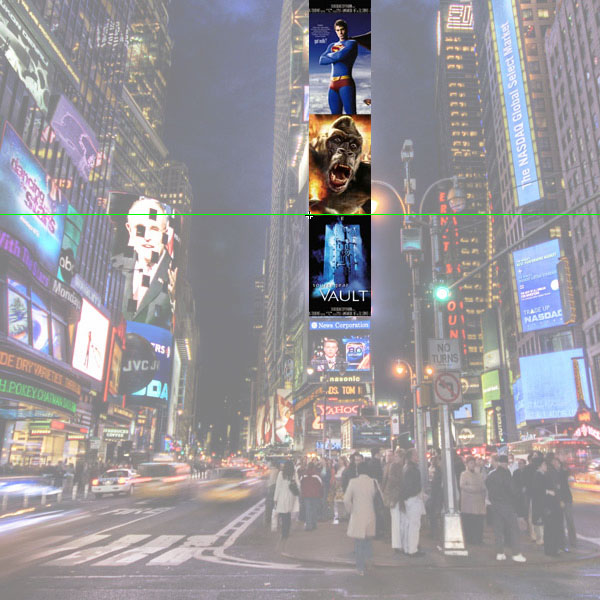
Step 13
..Shoes....
Final
That's it. Let's see once again our final work.
