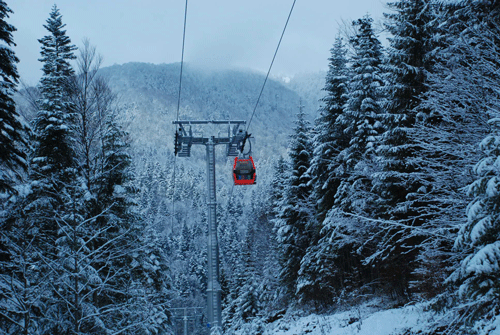
I will be using this photo that I've shot in my last trip. I like this picture because it has a lot of blues and an ok contrast.
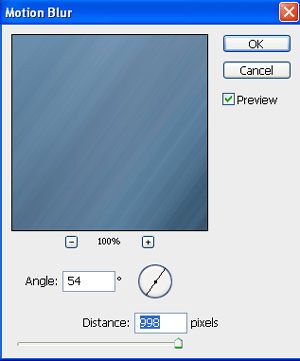
Now go to Filter/Blur/Motion Blur and apply these settings.
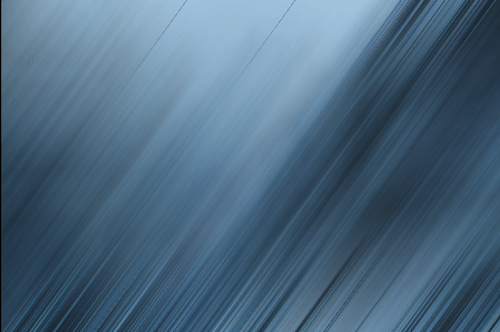
And tadaaaam… you have your background.
And you can always play around with some adjustment layer to change the colors or the contrast.