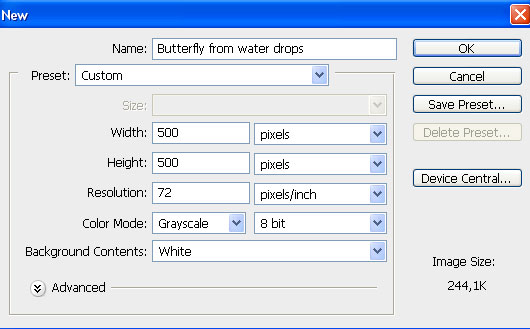
1. Create new layer: size: 500 * 500 Pixels, resolution: 72.
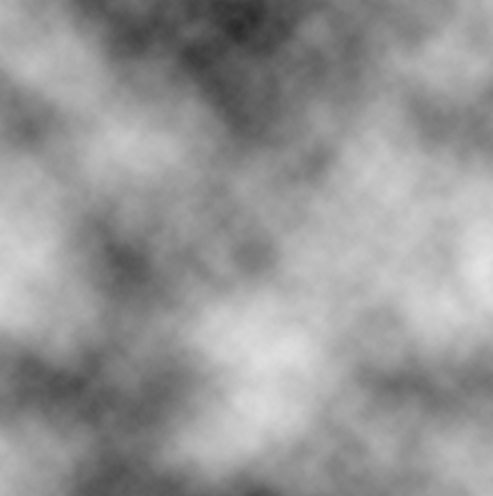
2. Create background from clouds, using: Filter > Render > Cloud.
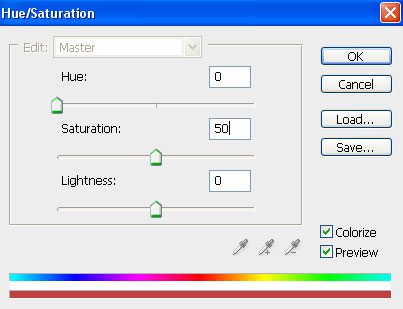
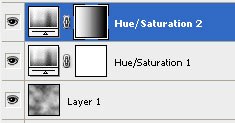
3. Now create new correcting layer: Layer-New Adjustment Layer-Hue/Saturation.
Select parameters:
Hue - 0,
Saturation - 50,
Lightness - 0: Select: Colorize
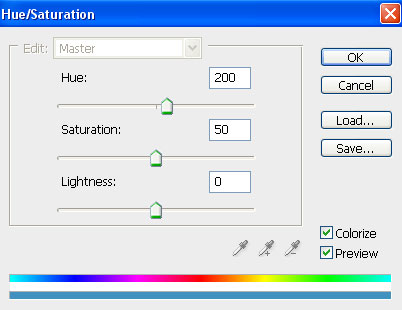
4. Now we need create one more correcting layer. Go to: Layer-New Adjustment Layer-Hue/Saturation.
Select parameters:
Hue - 200,
Saturation - 50,
Lightness - 0: Select: Colorize
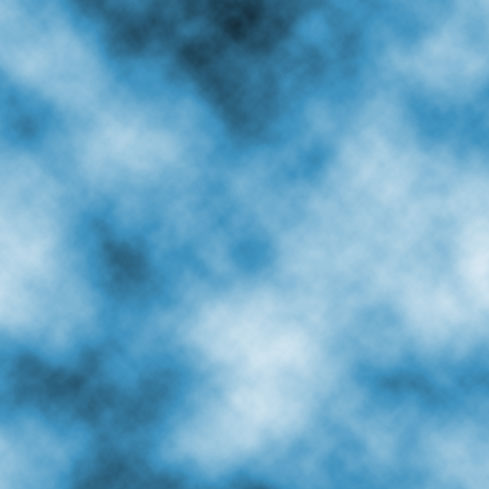
5. Now Make active layer: Hue/Saturation (blue). Take Gradient tool and use Linear Gradient. You must use colours from black to white. Now use this Gradient tool: direction: from left to right.
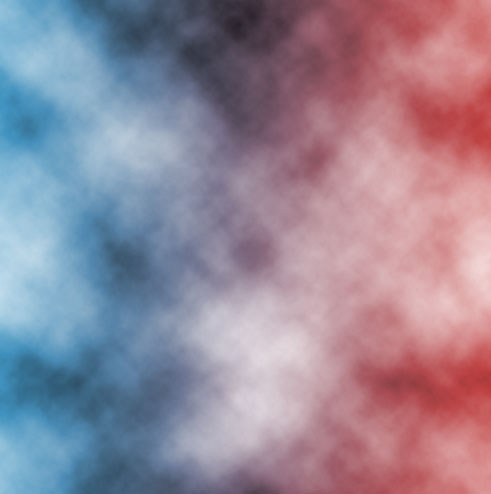
You will get colorized background: half red, half blue:
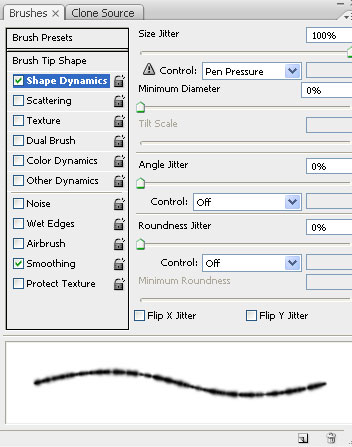
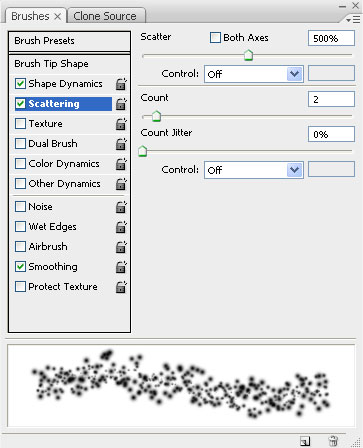
6. Now activate brush tool, use 9 pixels size. In brushes palette (F5) select such options:
Shape Dynamics: Size Jitter - 100%
Scattering: Scatter - 500 % Count - 2
7. Create new layer above all. Activate custom Shape with option: Paths. Select butterfly form, or any else that you like. We take butterfly form.

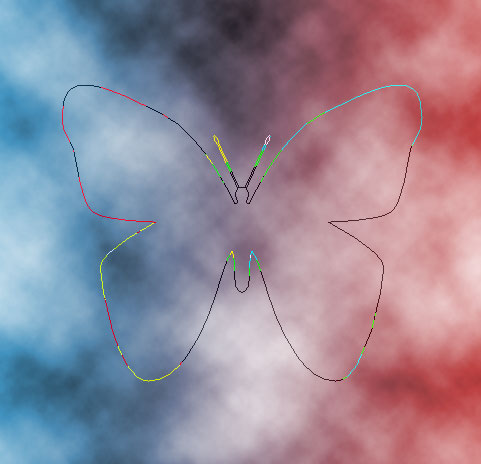
8. Now go to Paths. Activate butterfly path. On butterfly path click right mouse button and select Stroke Path. In Stroke Path use brushes.
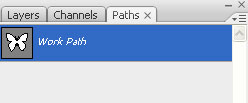
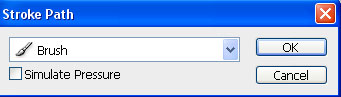
Butterfly contour will be defined with absent-minded points.
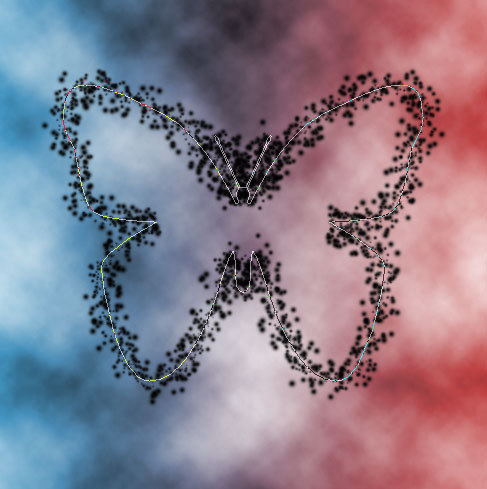
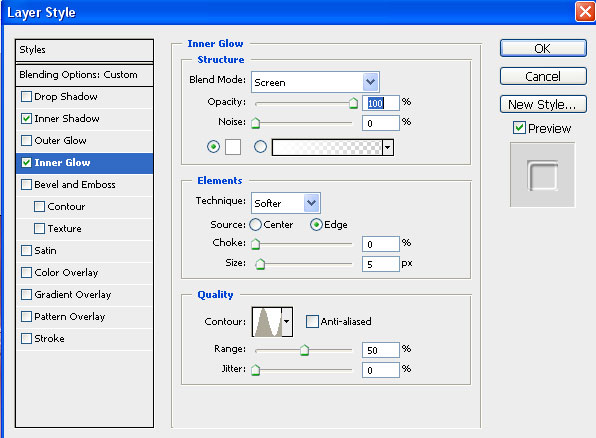
9. Now go to layers palette. Activate layer with butterfly. Open Blending Options of this layer.
We establish such options of a layer:
Blending Options: Fill Opacity - 0%
Inner Shadow: Colour - 333333, Opacity - 50%, Contour - Ring
Inner Glow: Opacity - 100%, colour - FFFFFF, Contour - Ring.
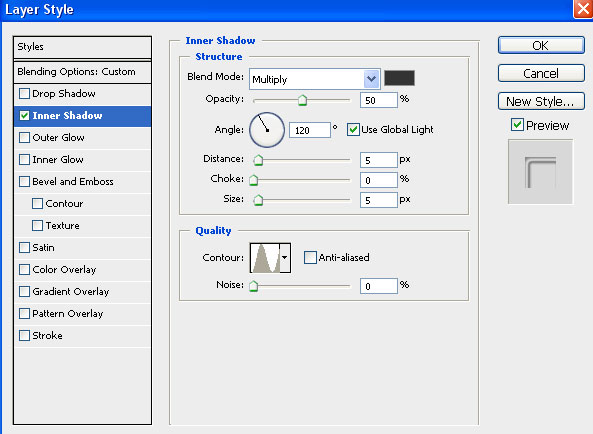
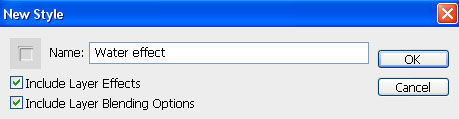
10. For preservation of this style of a layer we pass in palette Styles, we press black triangle and select option New style. Add name of style: Water effect.
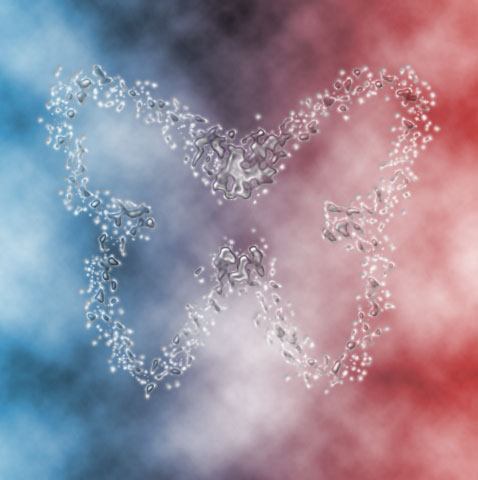
If you do all step by step you will get something like this: