Step 1:
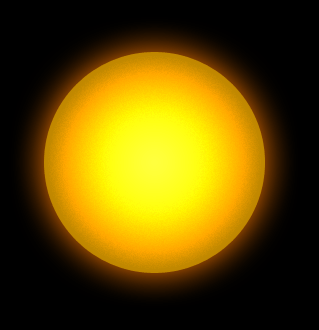
Let's start out by creating a new file. I used a 400x400 pixels canvas set at 72dpi, and I filled my background with #255B31 color shade. Now make a new layer set and name it 'Circle Design'. Then in a new layer draw a large circle with #FFB400 color shade and 221 px 221 px dimensions.
Step 2:
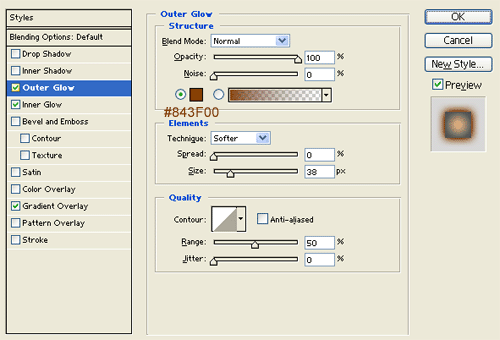
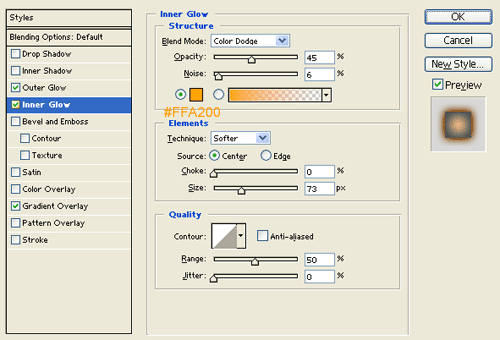
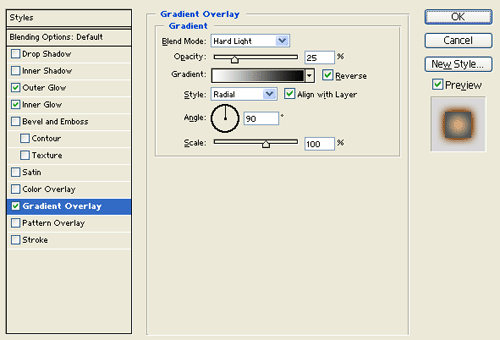
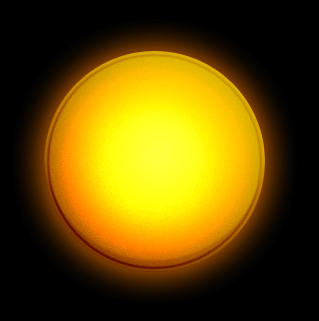
Under Layer Style(Layer > Layer Style) add an Outer Glow, Inner Glow and Gradient Overlay blending options to the yellow circle layer.
Step 3:
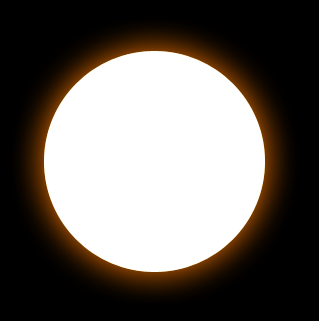
In a new layer draw a large white circle with the same size as the yellow circle.
Step 4:
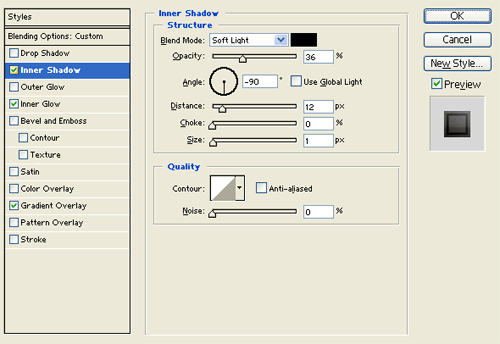
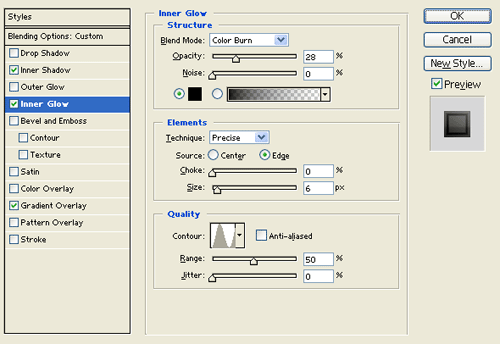
Under Layer Style(Layer > Layer Style) add an Inner Shadow, Inner Glow ans Gradient Overlay blending options to the white circle layer. Then set the layer's blending mode to Darken.
Step 5:
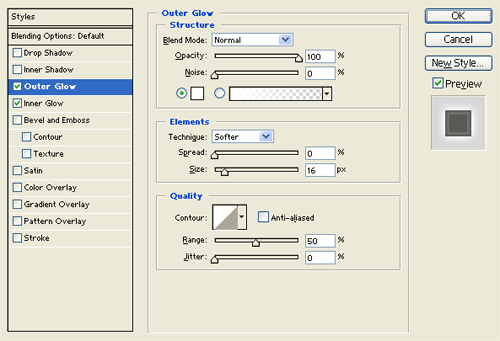
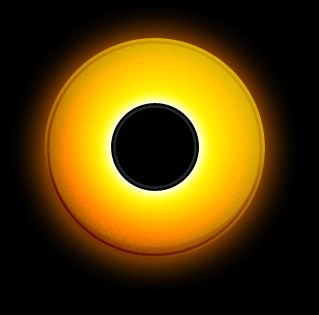
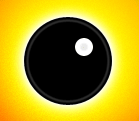
In a new layer draw a black circle with 88 x 88 px dimensions. Then under Layer Style(Layer > Layer Style) add an Outer Glow blending option to the black circle layer.
Step 6:
Now in a new layer draw a small white circle on the black circle.
Step 7:
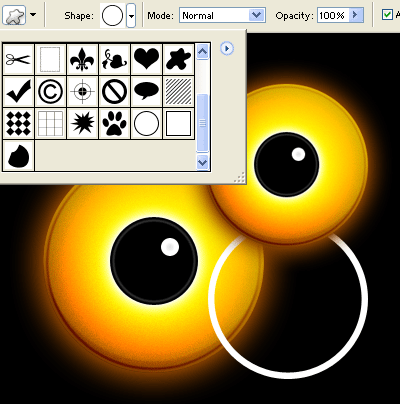
Duplicate your 'Circle Design' layer set and merge it through Layer > Merge Layer Set. Then resize the duplicate circle design by a couple of pixels and position it as shown below.

Create a new layer, just below your tabs draw a long white rectangle with 669 x 19 px dimensions.
Step 8:
Step 9:
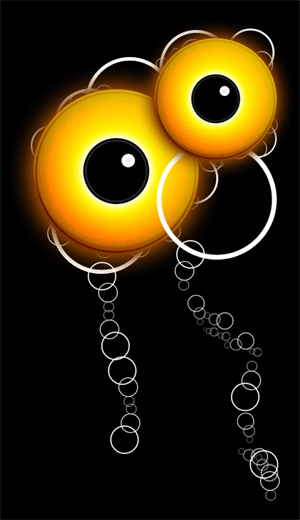
Now add more white circle thin frame with different sizes behind the yellow circle design.

Step 10:
Add more small circle thin frames connected with each other as shown below.
Step 11:
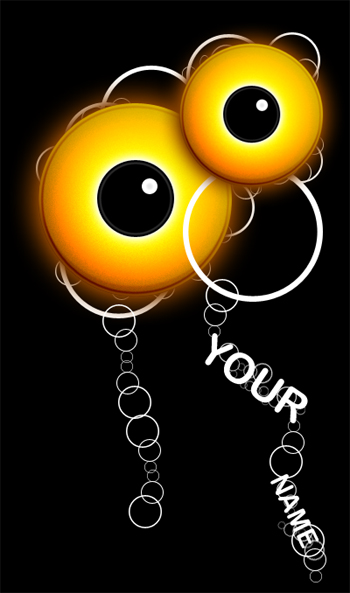
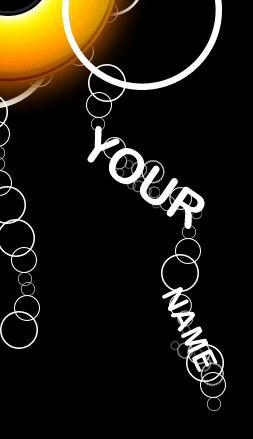
Select the Horizontal Type Tool then set the font family to Arial Rounded MT Bold, regular, 48 pt, smooth and white color shade. In a new text layer type the name of your poster positioned with the small circle thin frames.
Result: