

Insert Graphics into your text, I have seen this tutorial before , however i have never seen it done this way , me personaly i bilieve this is as fast as it gets.
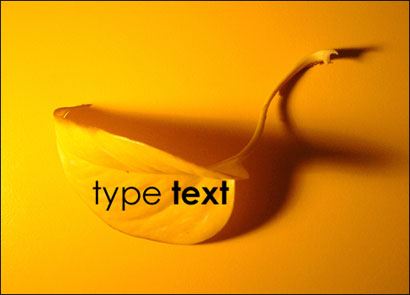
Open up your graphic/image and type your text.
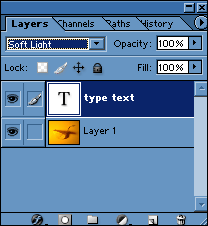
Select your typing layer, set it to soft light like i did above and then while holding "CTRL" click the typing layer and this will select your layer.
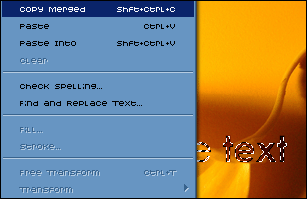
Go to edit>>Copy merged or press CTRL+SHIFT+C

Now you need to open a new document and paste it into the document , you should get this..
