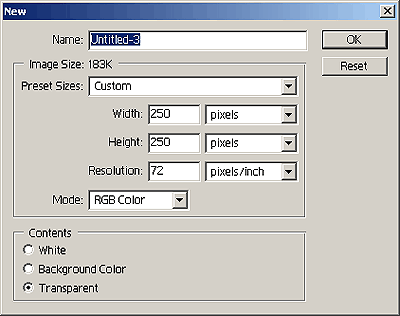
1. Create a new document 425px by 250px
2. Fill background with Black
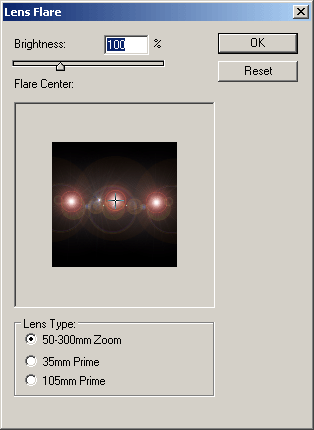
3. Render 3 Lense Flares in a line with the below settings
4. Go to Filter > Distort > Wave and use the below settings or similar:
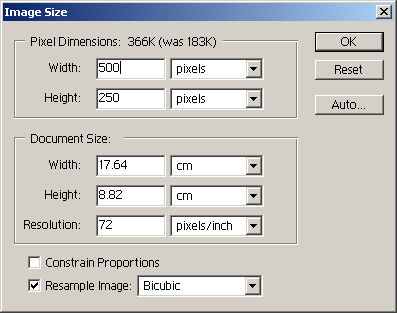
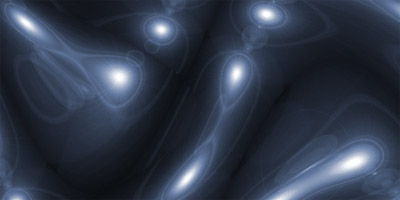
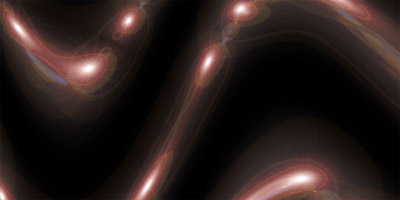
5. Hopefully you will have something like this:
6. Now go to Image > Ajustments > Hue/Saturation and use the following settings or your own.
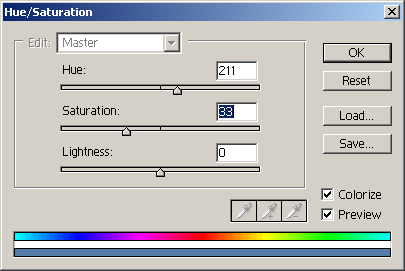
7. You are done... It should resemble this: