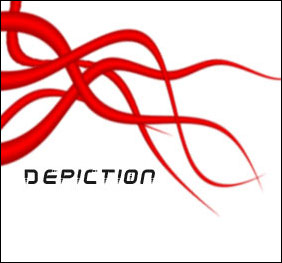
1. Create a new 400x400 image with any background color.
2. Make a large, tall, and rectangular selection using the rectangular marguee tool. (My image below has been scaled down to fit this page.)
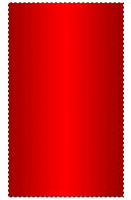
3. Pick two colors for your tentacle. Make the lighter color the foreground and the darker color the background. Now fill the selection with a reflected gradient.
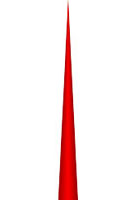
4. Next go to Edit > Free Transform then Edit > Transform > Perspective. Click on the top left or right corner or the rectangle and drag your mouse to the center until a sharp point appears. Since the edges aren't smooth and look bad, go to Filter > Blur > Gaussian and choose a one pixel radius.

5. To make your tentacle thinner, press Ctrl+T(Free Transform).
6. That's it! In mine below, I duplicated the layer many times, rotated them using free transform, and added a shear(Filter > Distort > Shear) effect.