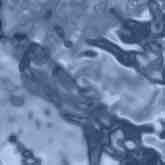
1. Create a new 300x300 pixel document and name it Liquid. Now press D and add a clouds filter the document. Then add a zigzag filter with settings [Amount: 10, Ridges: 5, Style: Pond Ripples]. For more prodominant ripples, make the Amount and ridges more.
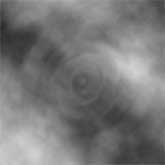
2. Now apply a chrome filter with settings [Detail: 7, Smoothness: 4]. Now make a new layer, fill it with any color you want, and change its blending mode to color.