

1. Make a new document i chose 300px x 300px any size will work.
2. Now set your colors back to the standard Black and White by pressing D
3. Next we need to go to Filters>Render>Clouds
4. Now we go to Filter>Artistic>Paint Daubs and use these settings:
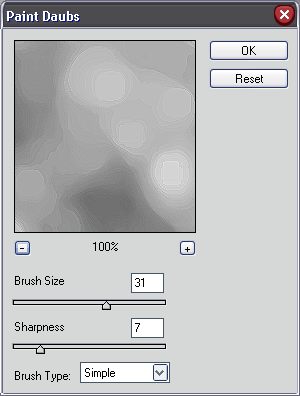
5. Now next we will need to add an accented edges. So go to Filters>Brush Strokes>Accented Edges and use these settings:
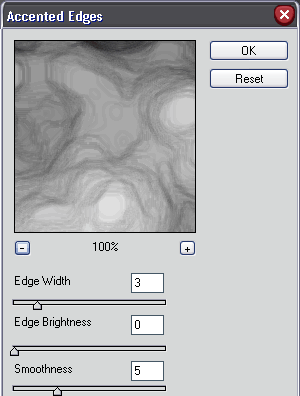
And this is what i got!

Now just add some color by pressing CTRL+U and the hue and saturation menu will come up and make sure colorize is checked!
Heres a little something extra that i made that can be used in a sig!

