1. Make a new document, then press CTRL + D
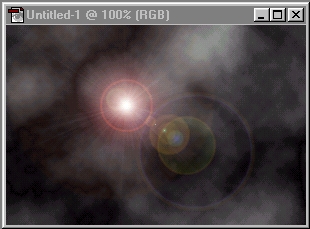
2. Now Filter > Render > Clouds then Filter > Render > Diffrence Clouds
3. Next Filter > Render > Lens Flare ( Settings: 100% 50-300mm Zoom)
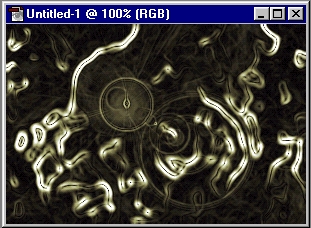
4. Now Filter > Artistic > Plastic Wrap (Settings: 15, 9, 7)
5. Filter > Stylize > Find Edges then press CTRL + I
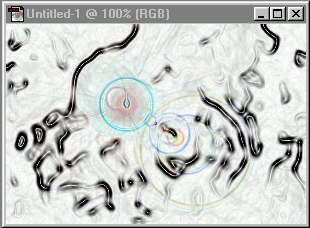
6. Now add color (CTRL + U) and your done! Enjoy!