|
Here's a few simple steps to create this realistic cracked stone texture.
First start a new document. I started with a preset of 254 x 260. Next, create a new empty Layer and apply a 'Clouds' Filter ('Filter/Render/Clouds') to produce a result similar to the below capture.
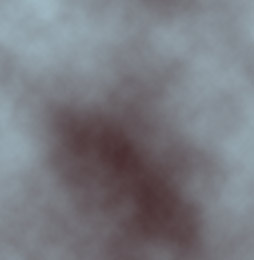 Next, go 'Filter/Artistic/Plastic Wrap' and apply the below captured settings.
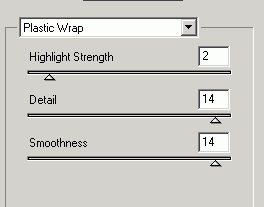 This will generate the below result.
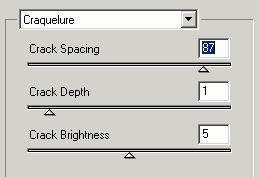
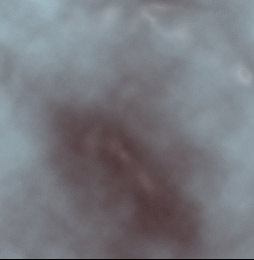 Next, go 'Filter/Texture/Craquelure' and apply the below captured settings.
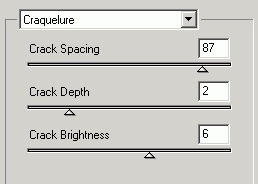 Combined with the above 'Plastic Wrap' filter, will generate the below result.
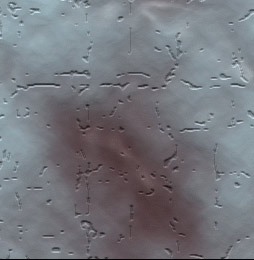 Again, go 'Filter/Texture/Craquelure' and apply the below captured settings.
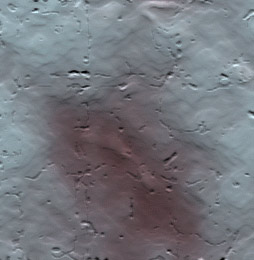
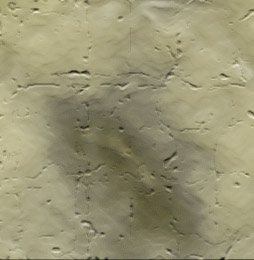
 To achieve the below resulting stone surface texture.S
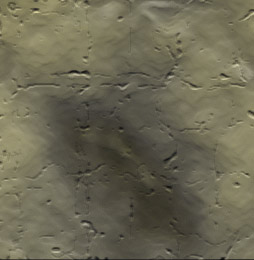
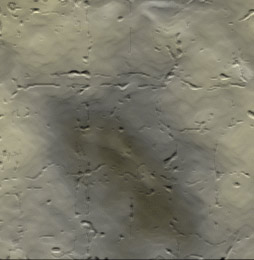
 A few more variations
 |
Her
How to design Stone Texture
Added:Dec 02, 2004 Rating:
Less than 3 votes yet
Level: Beginner Software:
Photoshop
