1. Make a new document, any size, then hit CTRL + D
2. Now go to Filter > Render > Clouds
3. Next go to Filter > Sketch > Chrome with settings Detail-8 Smootheness-8
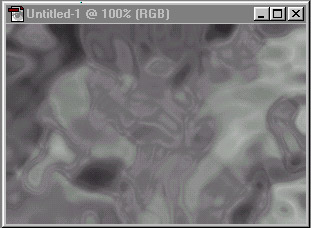
4. Next go to Filter > Artistic > Plastic Wrap with settings Strength-7 Detal-7 Smoothness-12
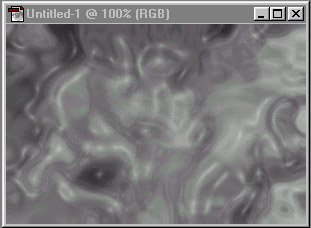
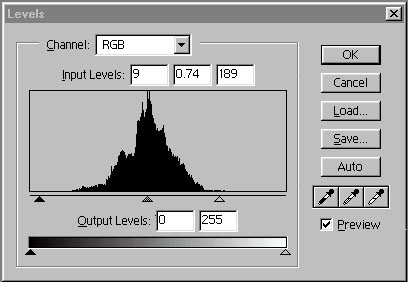
5. Now press CTRL + L to bring up the levels and use settings 9 | 0.74 | 189
6. Now press CTRL + U and add color and your done! Check out my final Image below.