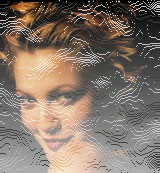
1. Open Photoshop. Open desired image.
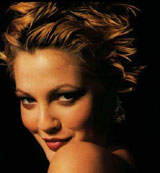
2. Go to Channel Palette and Create New Channel. Fill the channel with white color.
3. Filter > Noise > Add Noise (Guassian, Monochromatic, Amount : 25)
4. Filters > Sketch > Bas
Relief
(Detail:1, Smoothness: 1, Light Direction: Bottom)
5. Go to Layer Palette. Create New Layer.
6. Select > Load Selection (Alpha 1)
7. Fill the selection with white color using Alt + Del.