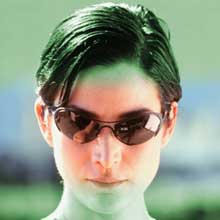
1. Open Photoshop 7.0. Open desired image.
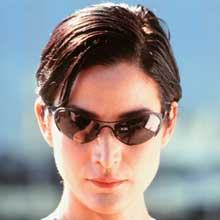
2. Layer > New Adjustment
Layer > Hue/Saturation
Click OK for the New Layer. Hue Saturation window is opened.
3. Select Colorize.
( Hue 121, Saturation 25, Lightness 0 )
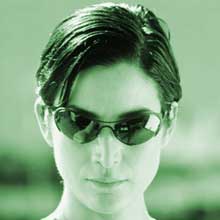
4. Go to Channel Palette. Hue saturation channel is already selected.
5. Select Brush Tool with Smooth Brush. Paint horizontal stroke on the face.