

1. Open Photoshop. Open an image to make old photo copy effect.
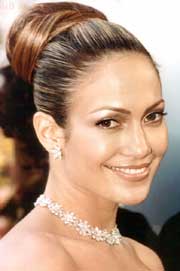
2. Create a new file bigger than image, with a white background. Drag the image on the new canvasusing Move Tool..
3. Make a new layer above the background and below the image layer. Name it as "frame"
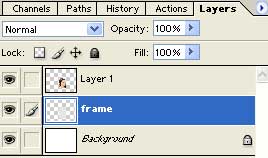
4. Select frame layer and draw the rectangle using Rectangular Marquee Tool, around the image and fill it with 10% gray. Deselect with CTRL + D.
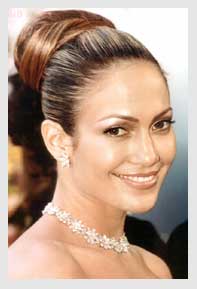
5. Layer > Layer Style > Drop Shadow
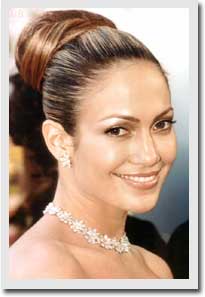
6. Select image layer.
Image > Adjustments > Desaturate
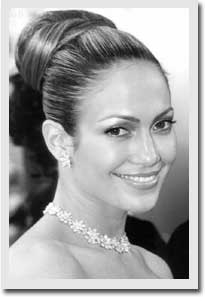
7. Image > Adjustments > Hue/Saturation
Select Colorize (Hue - 32 Saturation - 25 Lightness - 0)
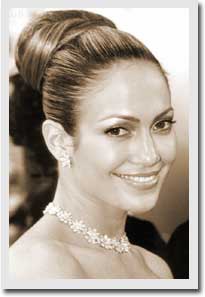
8. The image is converted Old Photo Copy Effect.
