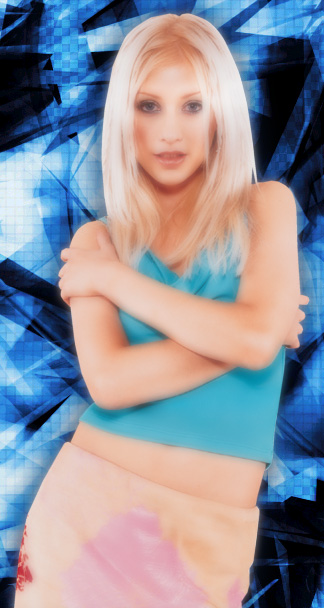
Open any image in photoshop that you want to soften. I chose this one.
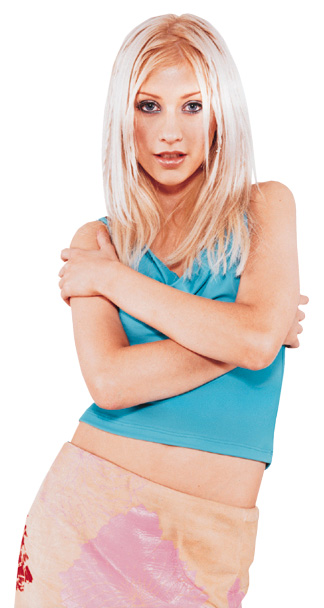
Go to layer>>duplicate layer.
Click OK.
Now, on the layer duplicate, go to filter>>blur>>gaussian blur.
Set the radius to 4 pixels or so, depending on the size of the image.
Click OK.
In the layers window, set the opacity of the blurred layer to about 40%-60%.
Now you can add backgrounds, text, etc...
Here is my final image: