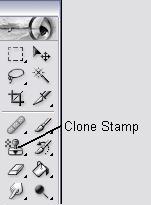
Step 1 : Now choose the clone stamp tool. Make sure it's the clone stamp and not the clone pattern stamp
Step 2 : In this tool bar you can choose the size of your stamp. From a small to almost the whole picture size - choose any size which suits you

Step 3 : Now you are ready to use the stamp. This is where you will be cloning the picture - Hold "alt" then left click on the image you wish to clone

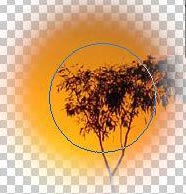
Step 4 : Now on a new layer or on a totally new canvas position your stamp where you wish to clone the image then left click. The more you left click the clearer the image will appear