Step 1
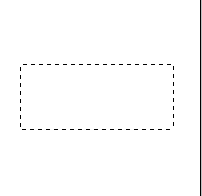
New image - 200x200. Now click on the marquee tool and make a selection as big as I did in the picture shown below.
Step 2
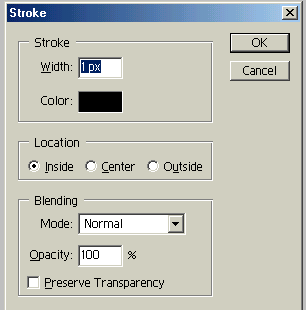
While you see the "marching ants" right click and scroll down and hit stroke. Use the settings I used (shown in the image below). Now right click and hit deselect. You now have yourself a one pixel border.
Step 3
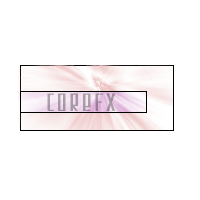
You can use one pixel borders to outline premade pictures. Just open the picture, make a selection all the way around it and go about like you did here. I just went ahead and made a lil tiny artsie thing to show you how easy it is to make art out of this.