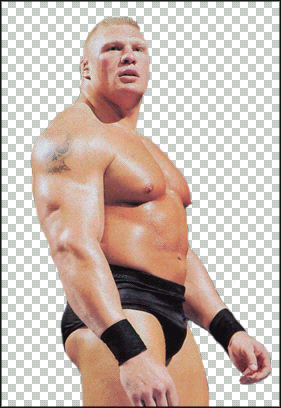
We all know that you have always wanted to cut out your own PSDs instead of downloading them, now you can cut your own!
1. Open up your picture, we used WWE's Brock Lesnar
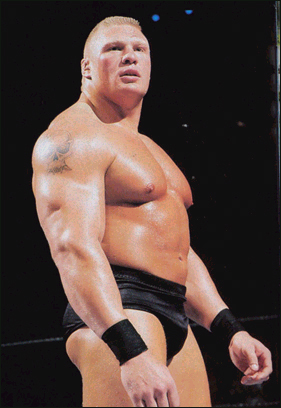
2. Hold CTRL and press A - to select all of the image
3. Hold CTRL and press C
4. Click File > New to make a new image, leave the image size the same, but change the background to transparent, click OK
5. hold CTRL and press V - to paste the image
6. Grab the Polygon Lasso tool -  - and roughly cut out the bit that you would like to keep - then hit the DELETE
key NOTE: If you delete the wrong part, click Select > Inverse to
invert your selection, then click delete
- and roughly cut out the bit that you would like to keep - then hit the DELETE
key NOTE: If you delete the wrong part, click Select > Inverse to
invert your selection, then click delete
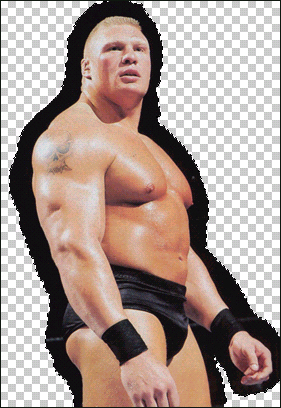
7. hold CTRL and press D to deselect
8. Grab the eraser tool, and set it to a rather large size (depending on your image size) and set the hardness to about 90-100
9. Zoom in pretty close, and use the eraser tool as slowly and as carefully as possible to cut away thoes unwanted bits, the slower you cut, the better the final product.