1) Make New File, 400 x 400 works fine.
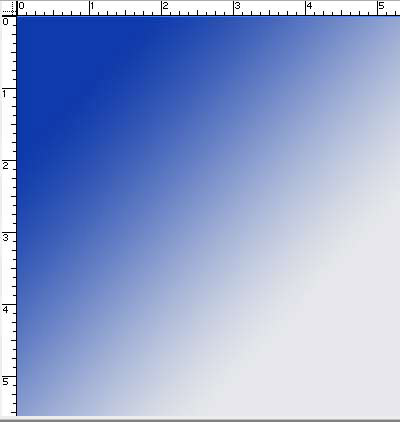
2) Apply a gradient shown below.
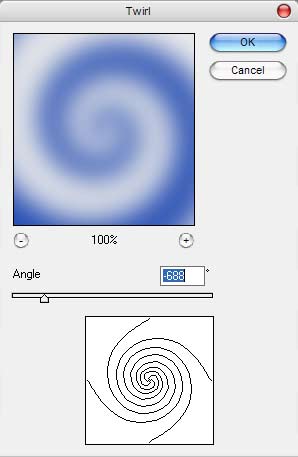
3) Now go to Filter -> Distort -> Twirl, use the angle -688
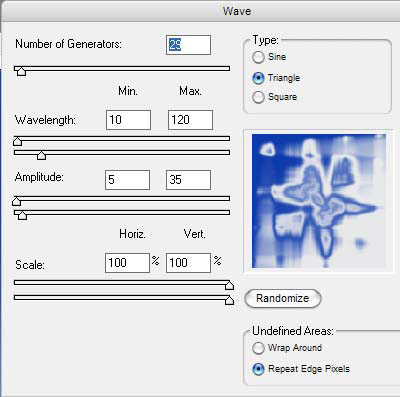
4) Go to wave and use the below settings:
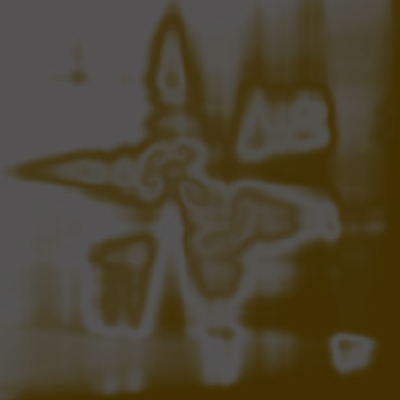
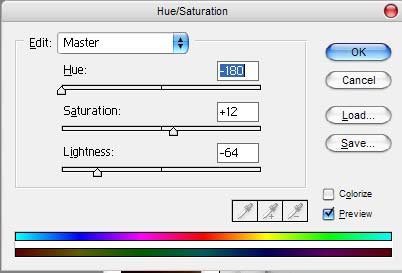
5) Press CTRL U and Color your image as below.
6) Now rotate the image 180 degrees to make the burning upright.
And this is my final effect, not bad for my first Tutorial?