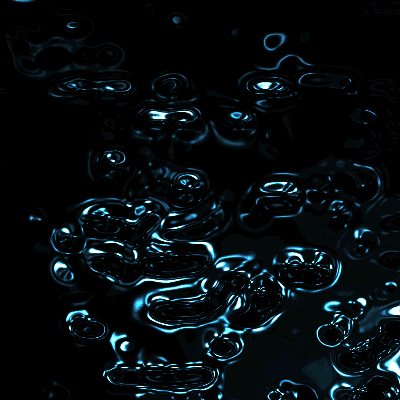
With the brusth tool brush your image, use leaves brush.
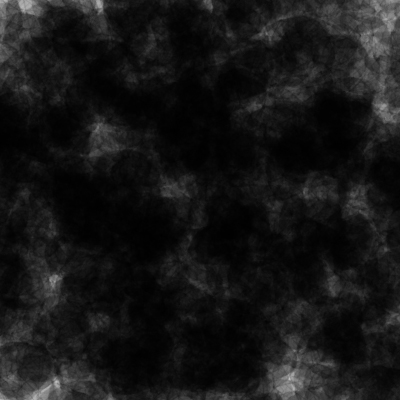
Go to Filters -> Pixelate -> Mezzoint
Go now to Filters -> Texture -> Patchwork and use the next valors: 1 and 11
Then Filter -> Gaussian Blur -> 1
Now use the default Lighting Effects (Filter -> Render -> Lighting Effects)
Now Chrome (Filter -> Sketch -> Chrome)
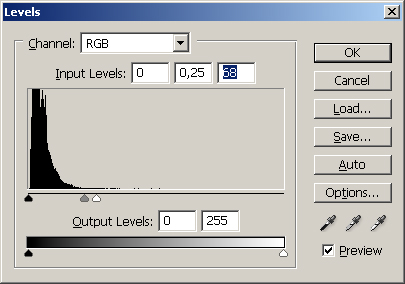
Now use this level:
And now color it pressing Ctrl-u and check colorize
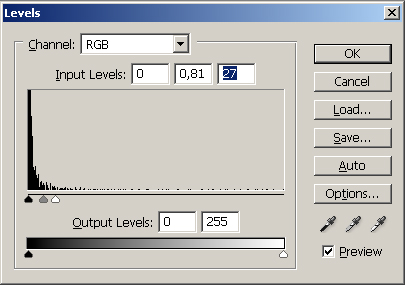
Now use this new levels:
Now you are done!