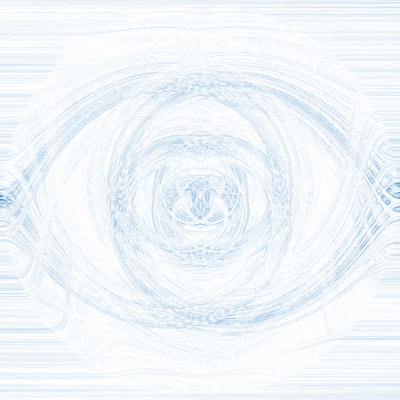
Create a New File.
1) Filter -> Noise -> Add Noise (keep default options)
2) Now go to Filter -> Blur -> Radial Blur and use this settings: Amount: 100, Method: Zoom, Quality: Best.
3) Then Filter -> Blur -> Motion Blur keep defaults options.
4) Press CTRL J to duplicate the layer, then go to Filter -> Distort -> Twirl and set 500.
5) Press CTRL J again and go to Filter -> Distort -> Twirl and set -500. Then Press Ctrl F to use it again.
6) Change Blending Mode to Lighten. Then press CTRL E to merge it down.
7) Now, to finalize go to Filter -> Stylize -> Find Edges.
You're done now. If you want a new color press CTRL U and set your colores, make sure you check Colorize.