

1) Make a new document, anysize doesn't matter. Press CNTRL+D to reset your pallete colors. Make sure your background is BLACK.
2) Apply Filter>Render>Clouds.
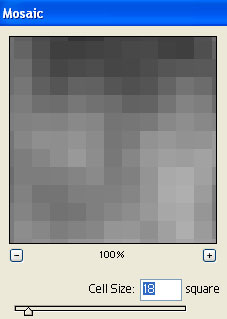
3) Apply Filter>Pixelate>Mosaic with these settings:
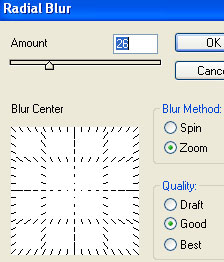
4) Apply Filter>Blur>Radial Blur with these settings:
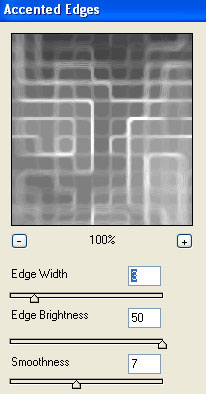
5) Apply Filter>Brush Strokes>Accented Edges:
6) Apply Filter>Stylize>Find Edges. Now press CNTRL+I to invert the graphic back to black and white grid.
7) Apply your colors, press CNTRL+U.
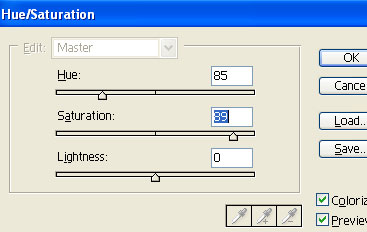
Now you got:
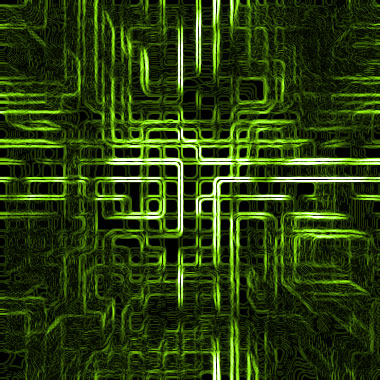
Make a selection of what part you want to use for your signature. Copy it and paste it to your new canvas. Add some decorations and here ya go:

